 Pear Notes

Locked, on-device, always
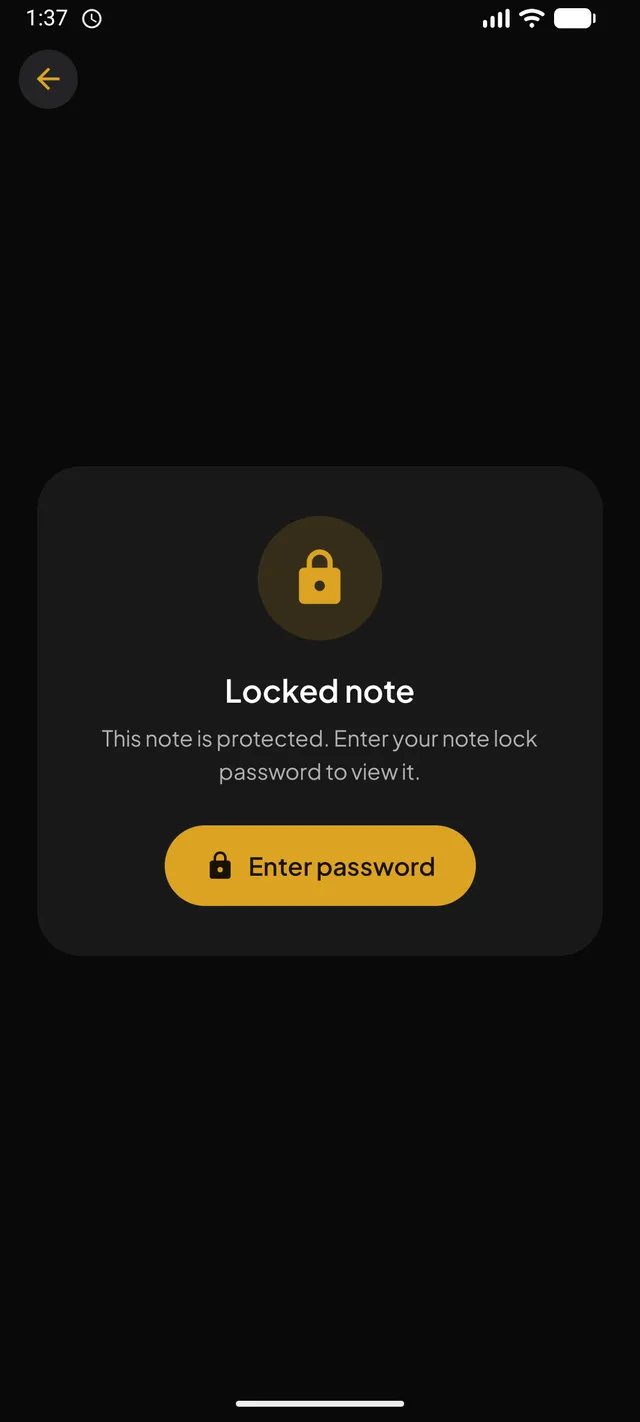
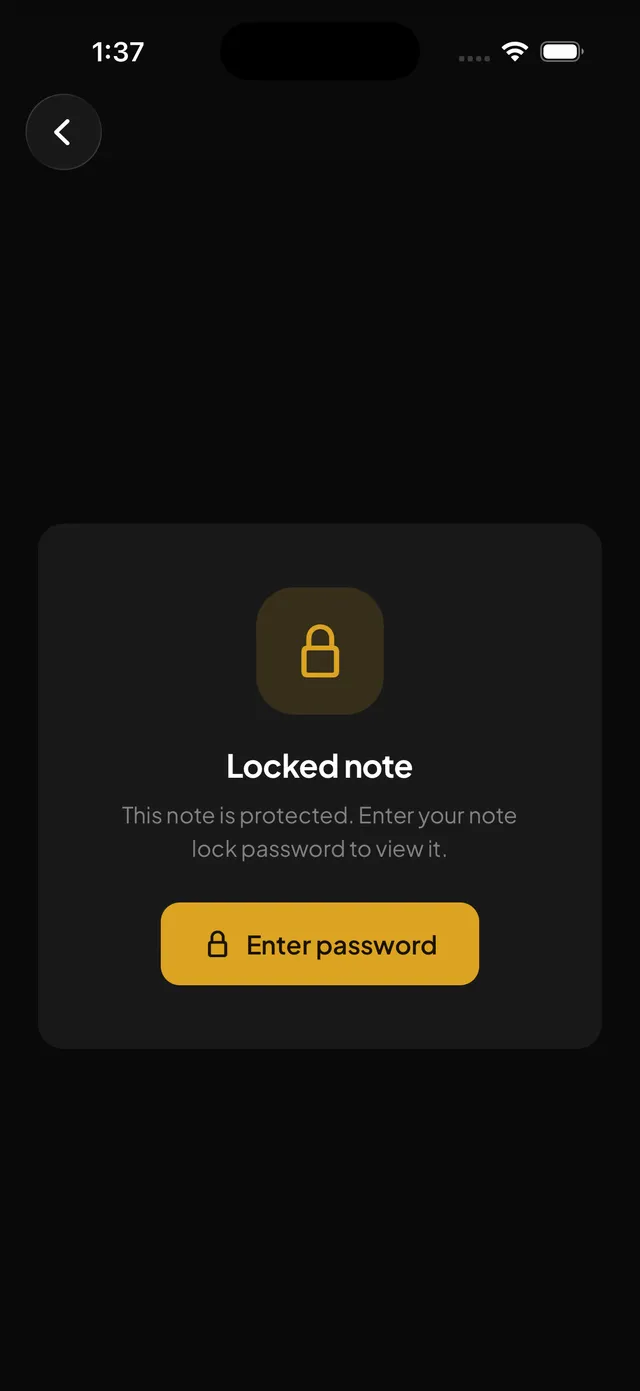
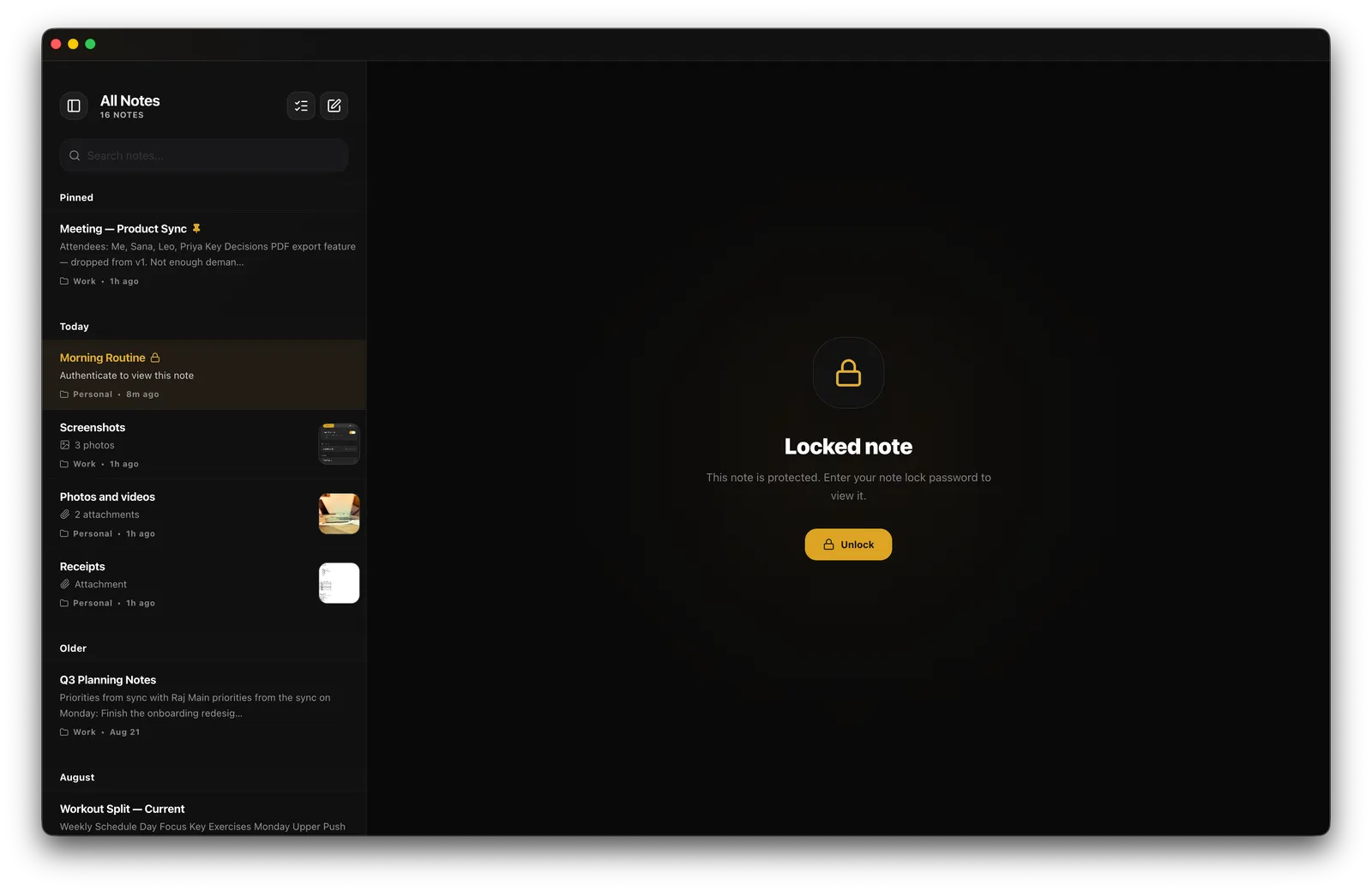
Notes are encrypted with AES-256 before they touch storage. Lock any one of them behind Face ID, Touch ID, Windows Hello, or a synced password.
Encrypted notes that sync straight between your devices — and AI that runs on your own hardware. No servers. No cloud. No compromises.
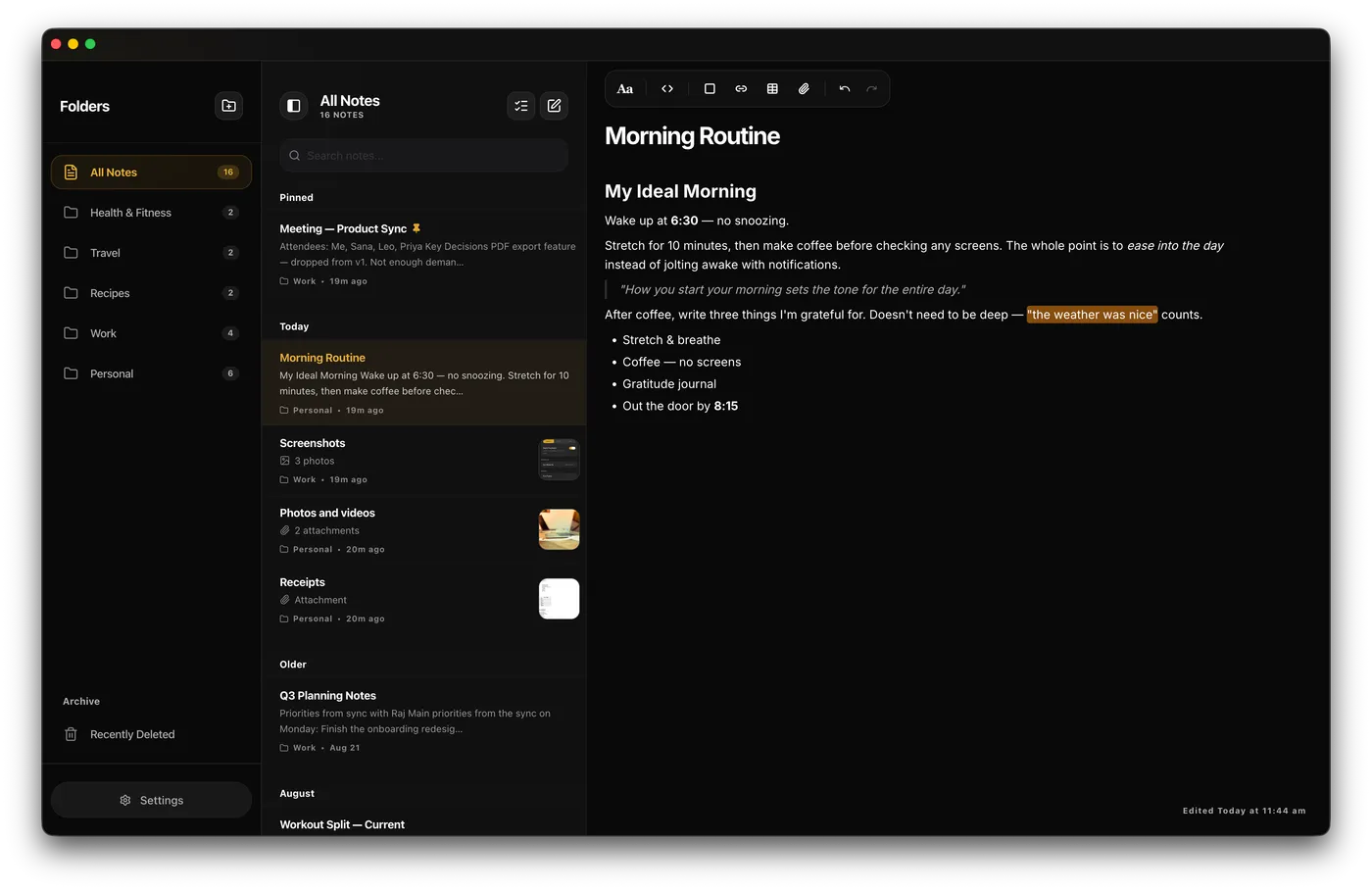
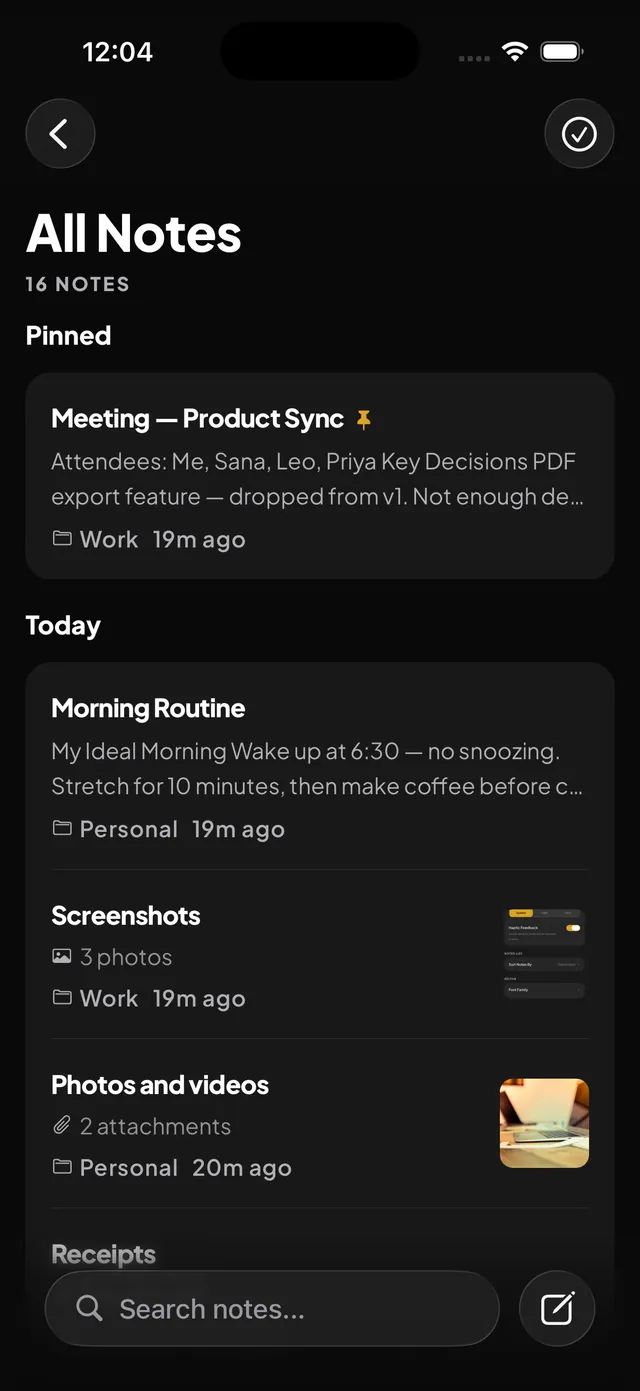
A complete writing experience built around privacy.
Notes are encrypted with AES-256 before they touch storage. Lock any one of them behind Face ID, Touch ID, Windows Hello, or a synced password.
Devices catch up without you opening anything — periodically on mobile, from the tray on desktop.
Works with no internet at all. Everything stored locally, encrypted.
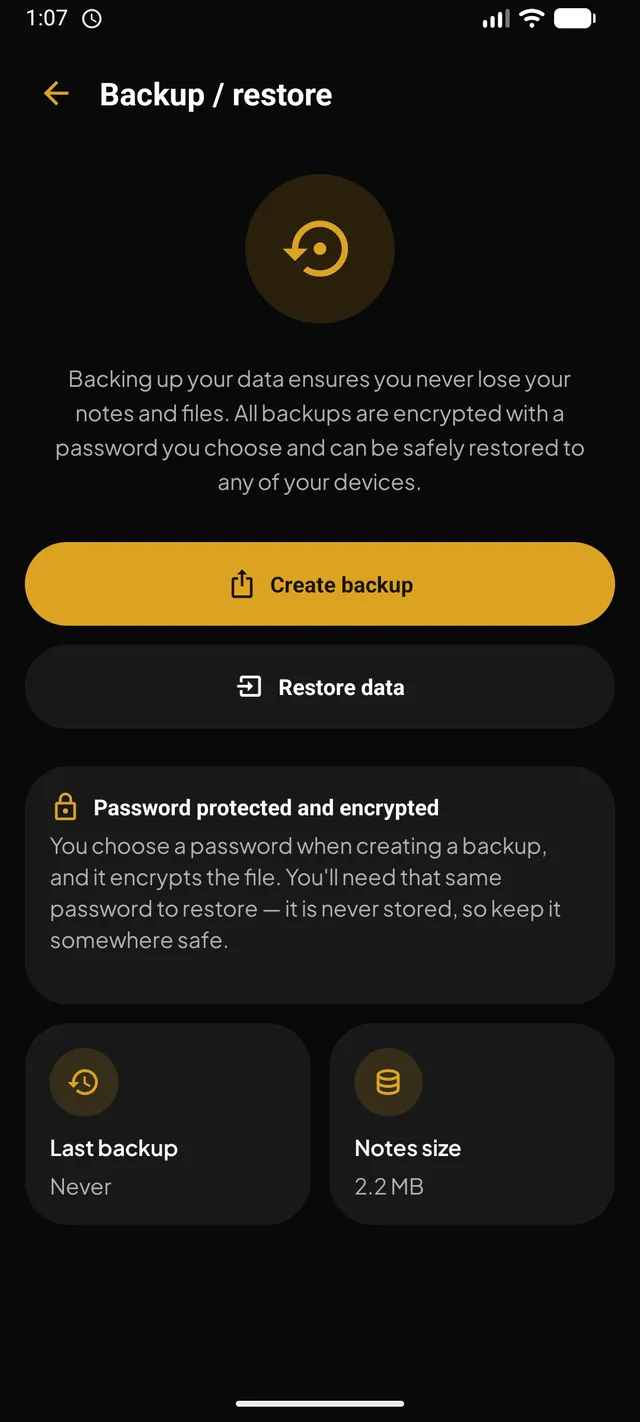
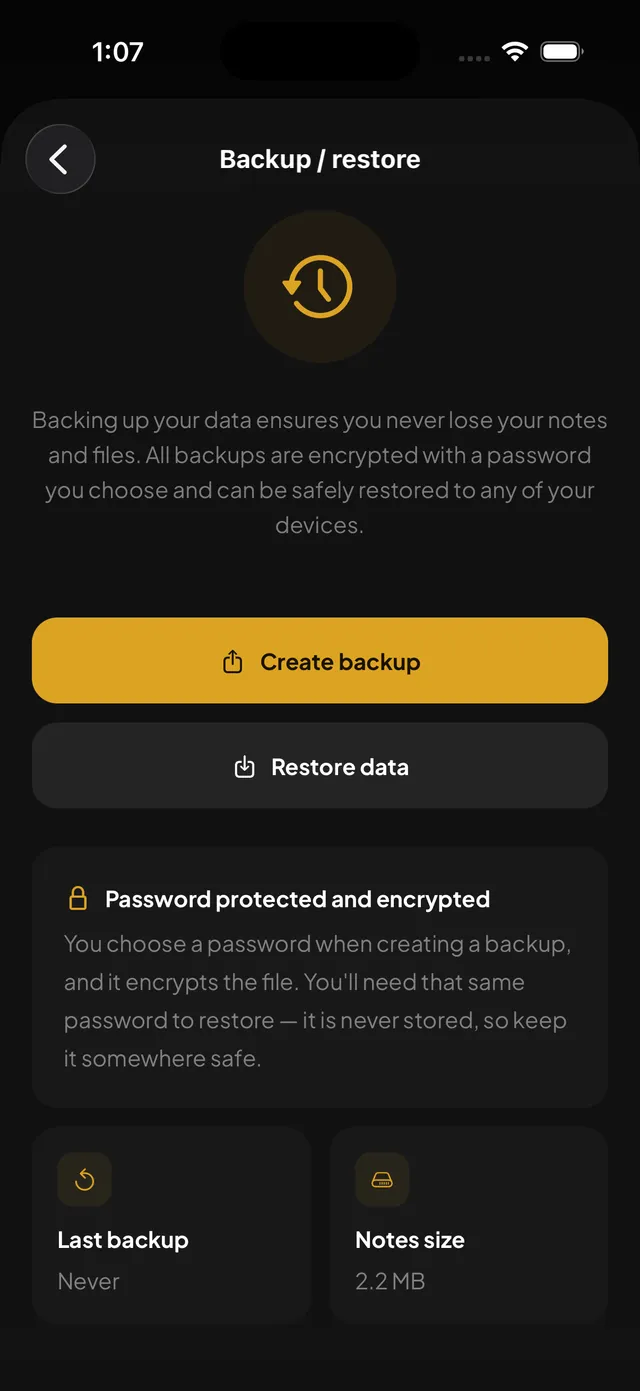
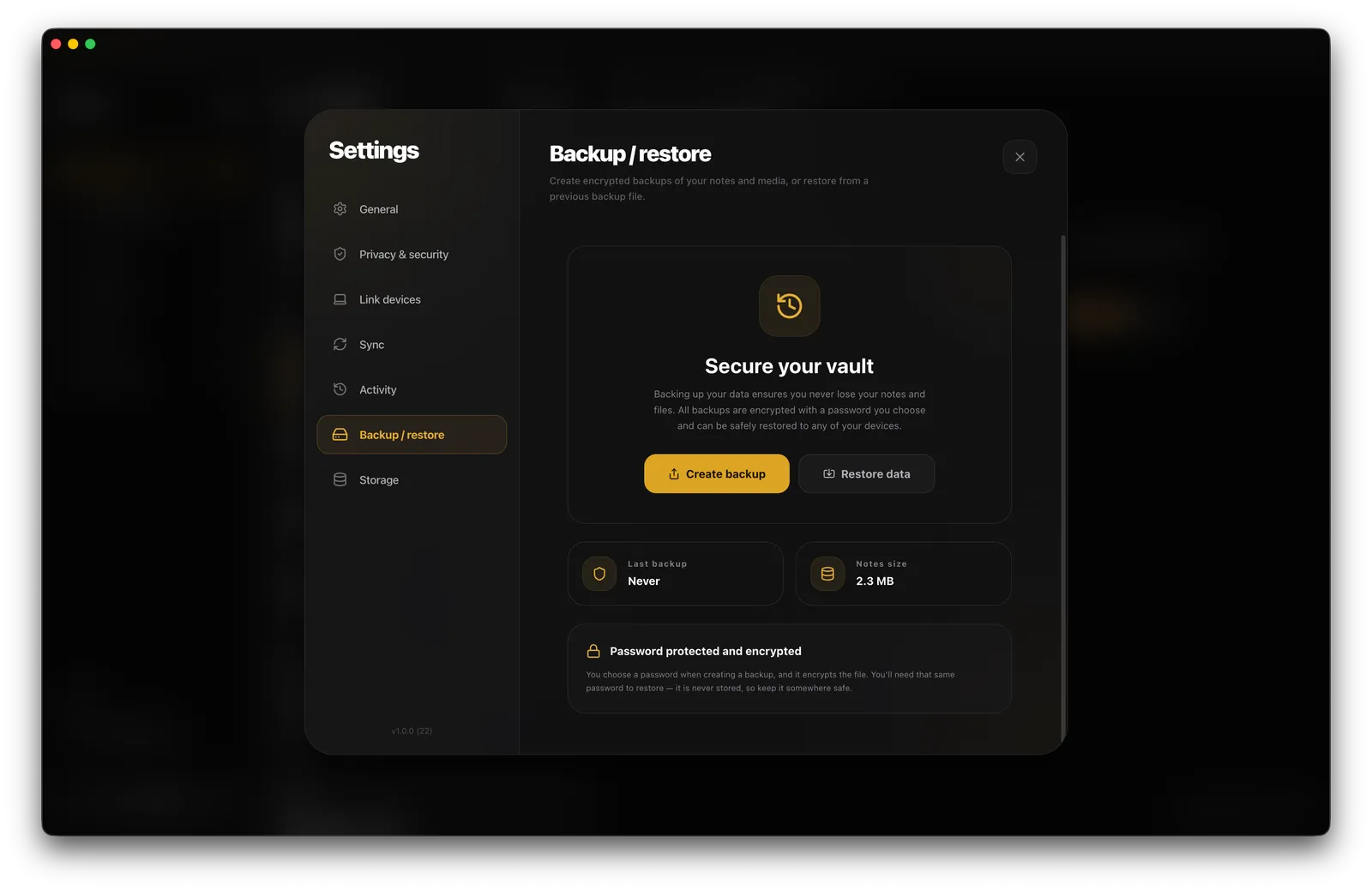
Export the vault as one .pnbk file, sealed with a password only you know — and restore it on any device to get everything back.
Hold photo and file transfers on cellular, or pause them. Notes keep syncing either way.
Every upload and download shows progress. Pause, resume, cancel, or retry any of them.
Pin what matters and it stays on top, on every device you sync.
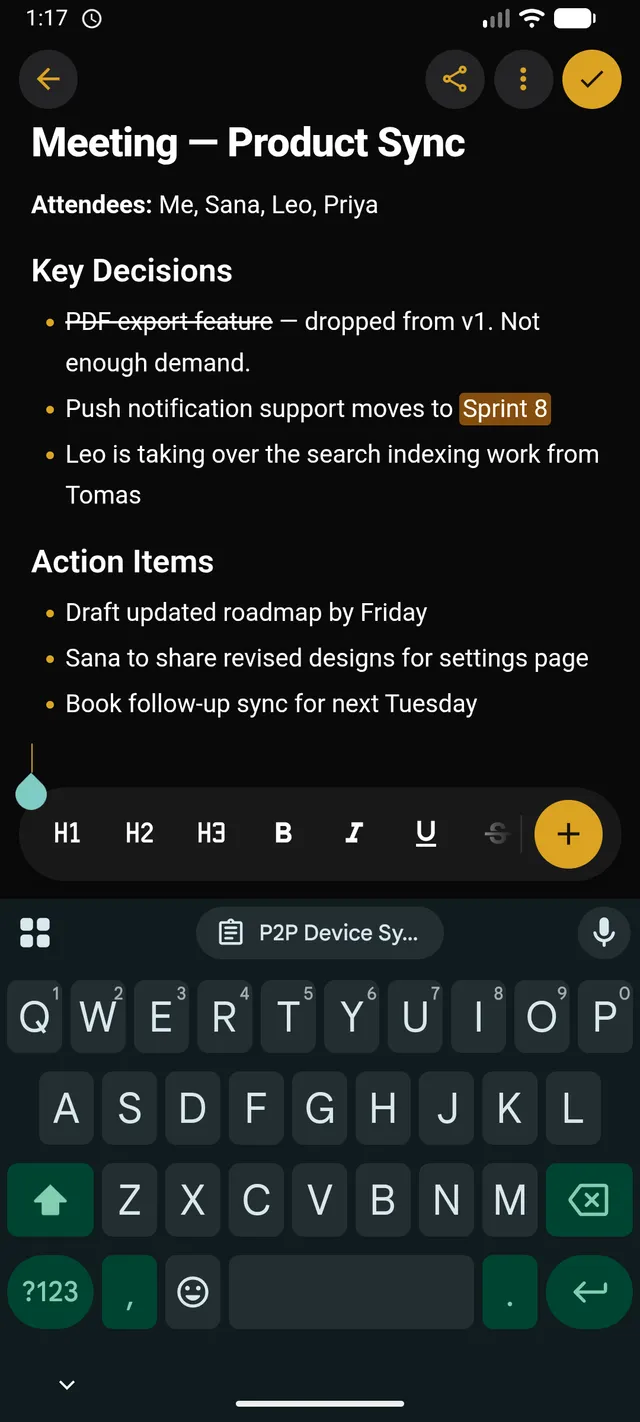
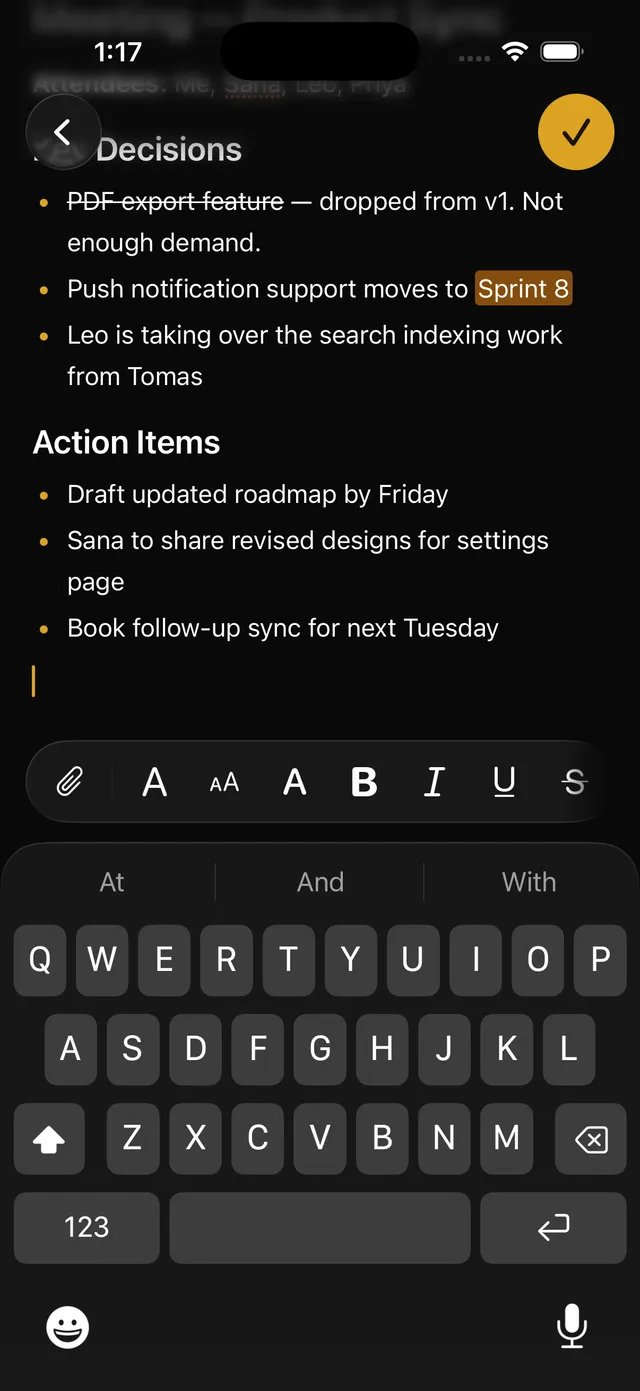
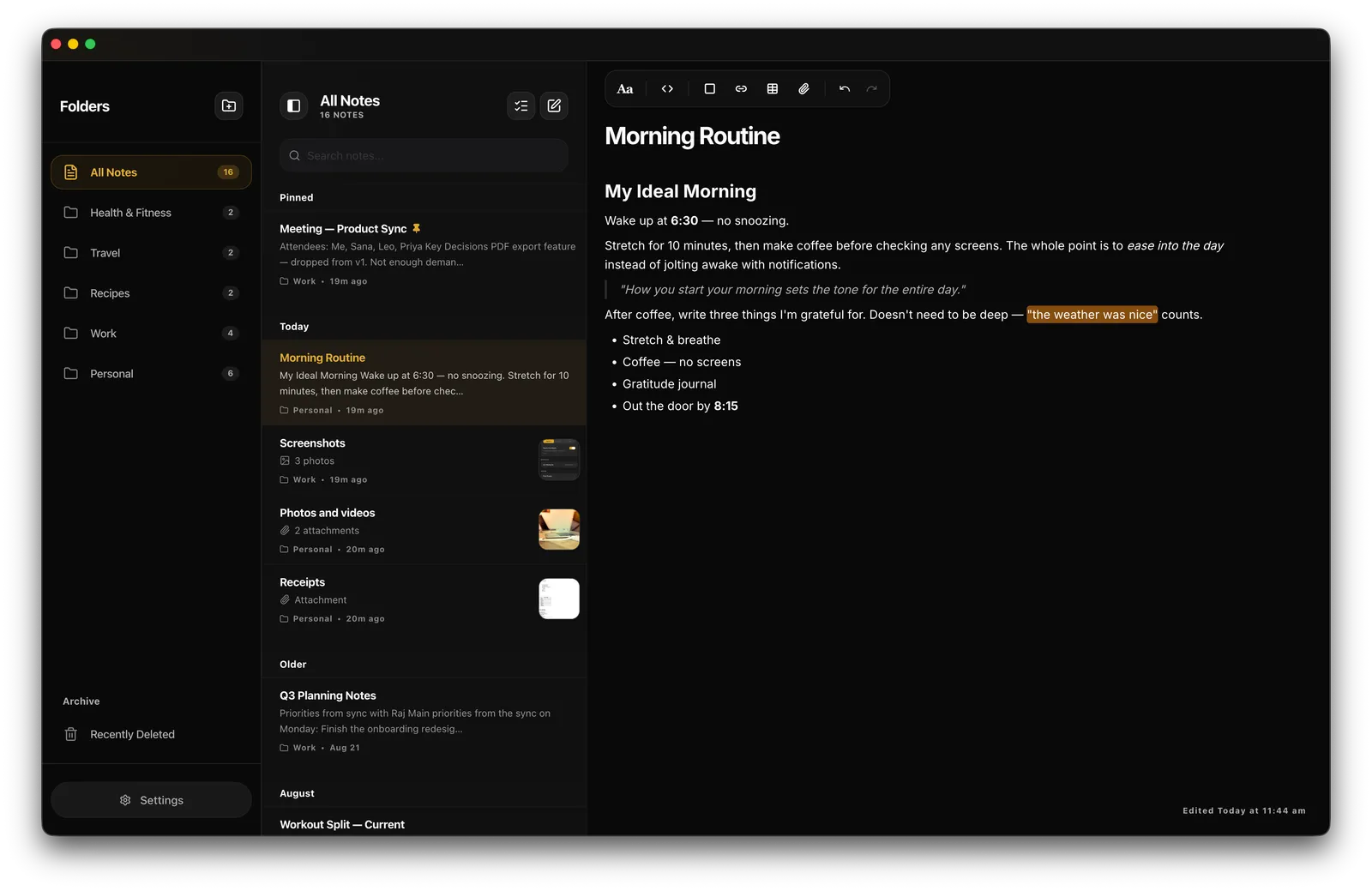
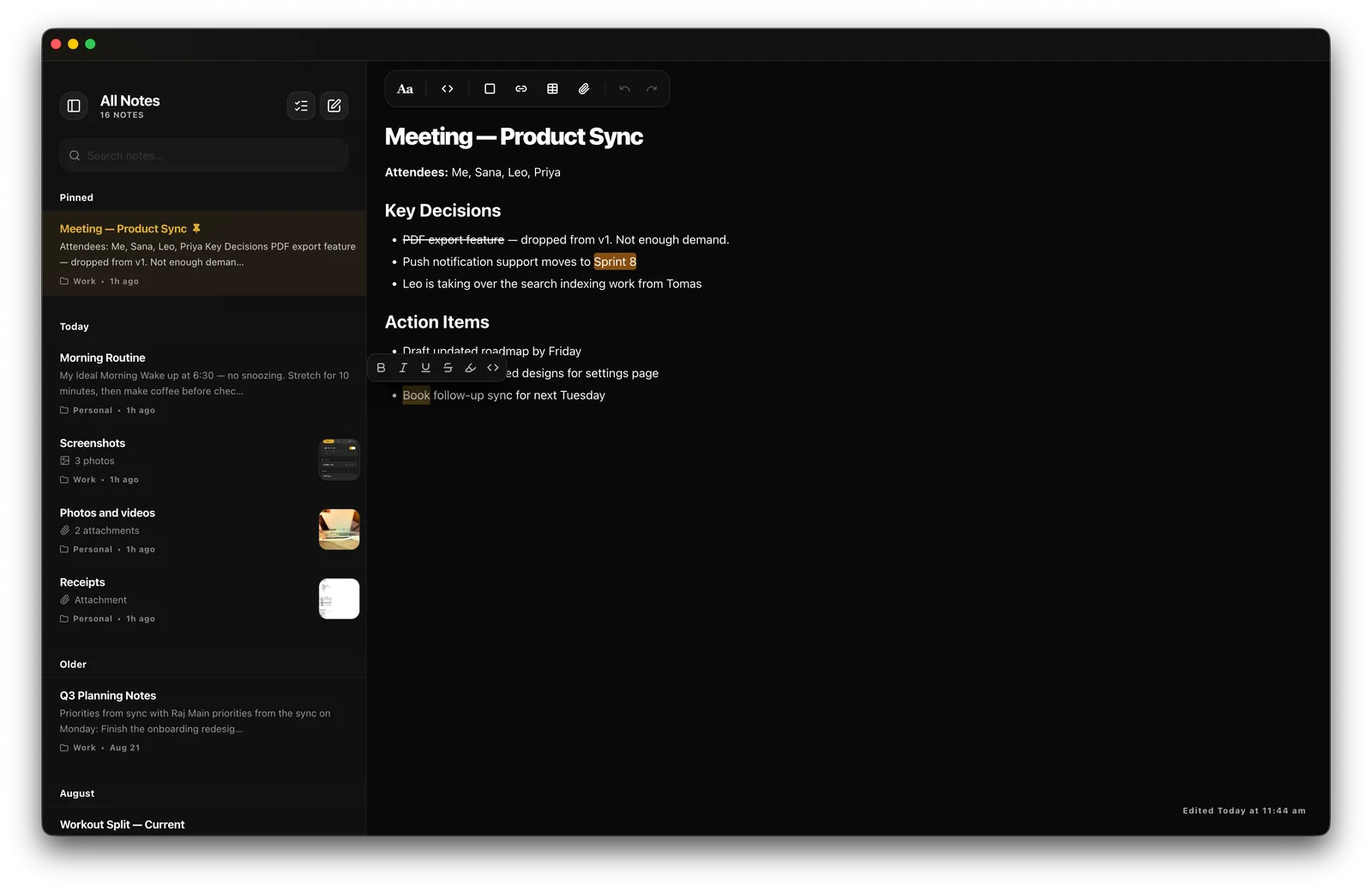
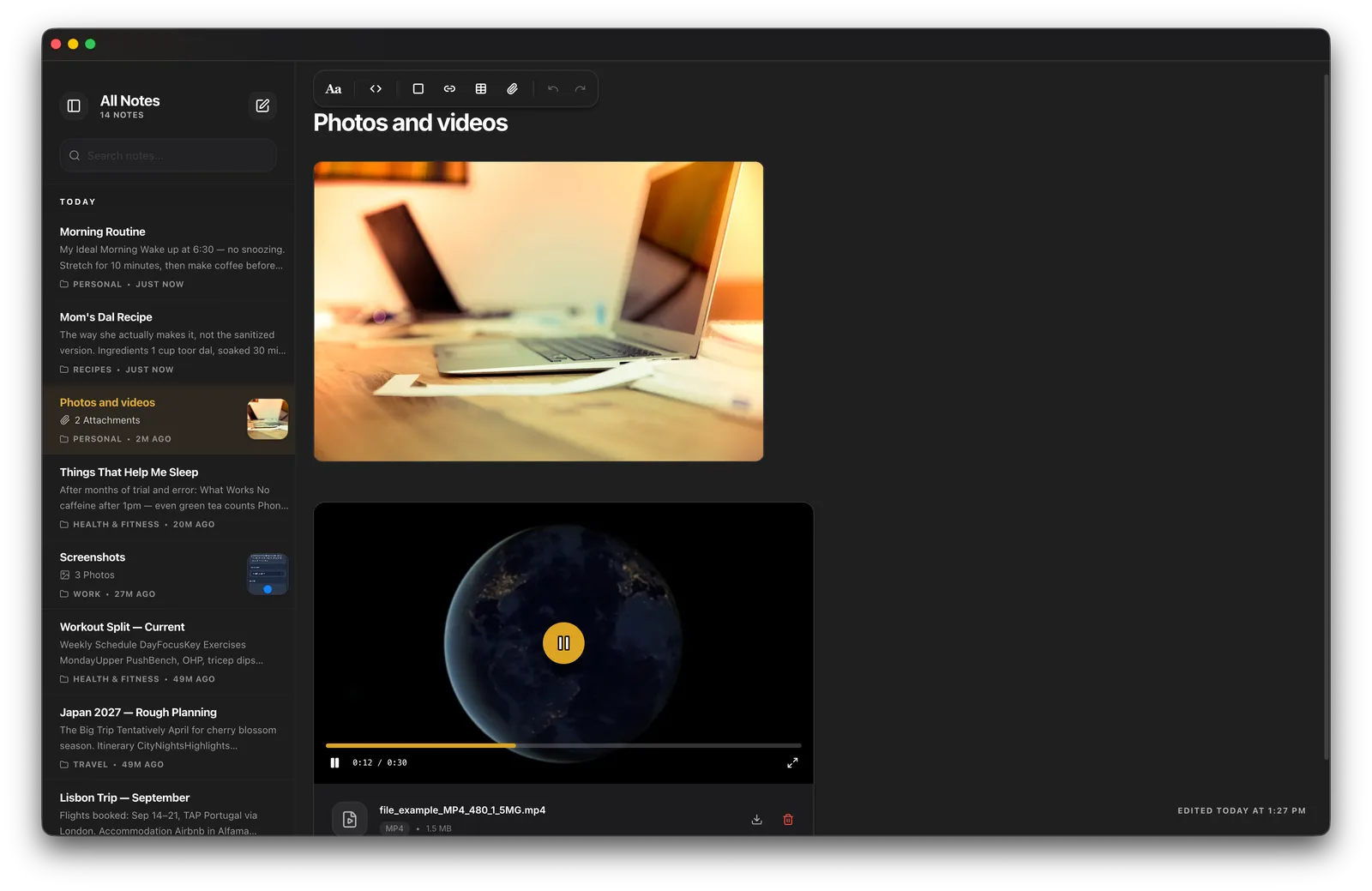
Rich text, voice memos with waveforms, and a document scanner — all landing in the encrypted vault.
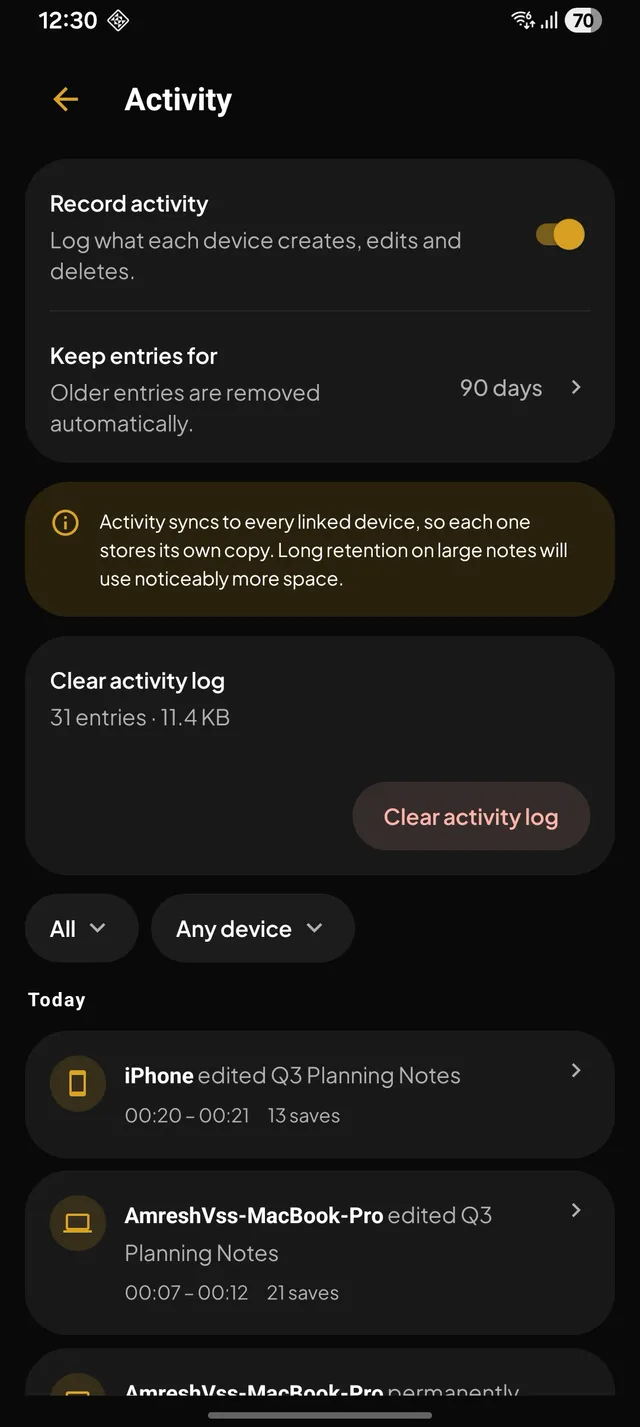
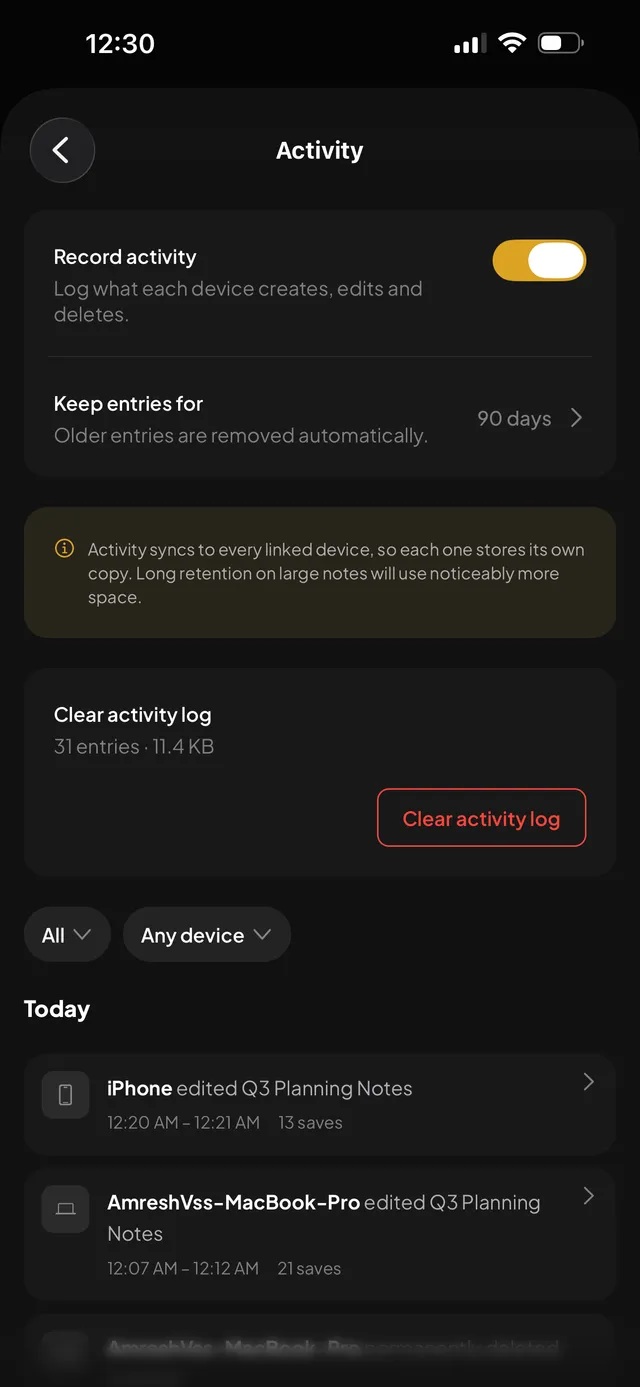
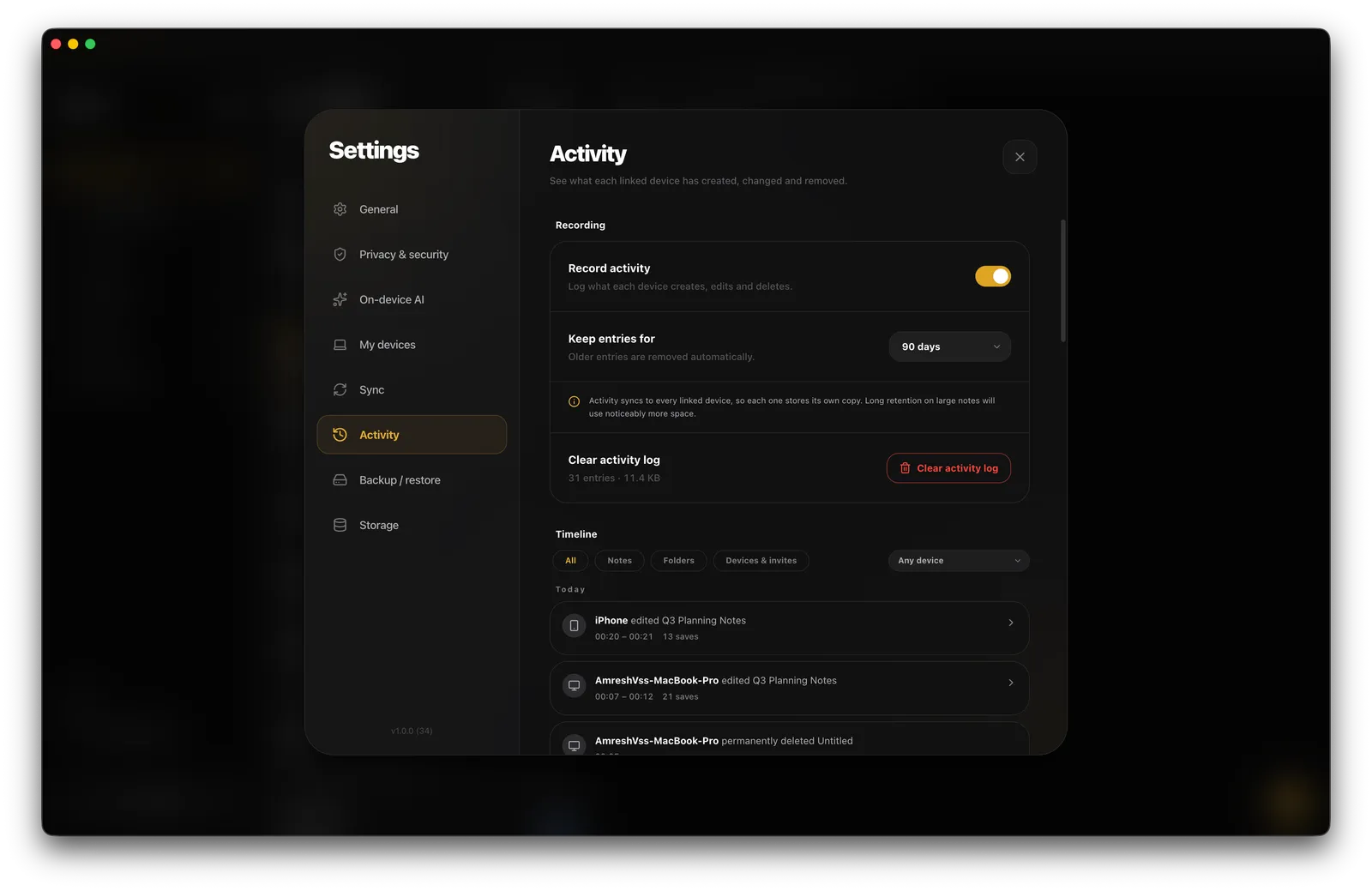
An activity log records what each device created, edited, or deleted — with the exact lines that changed.
Send photos, files, links, or text from any other app and Pear Notes drops them into the note you pick.
Deleted notes wait in Recently Deleted for 30 days, on every device, before they are gone for good.
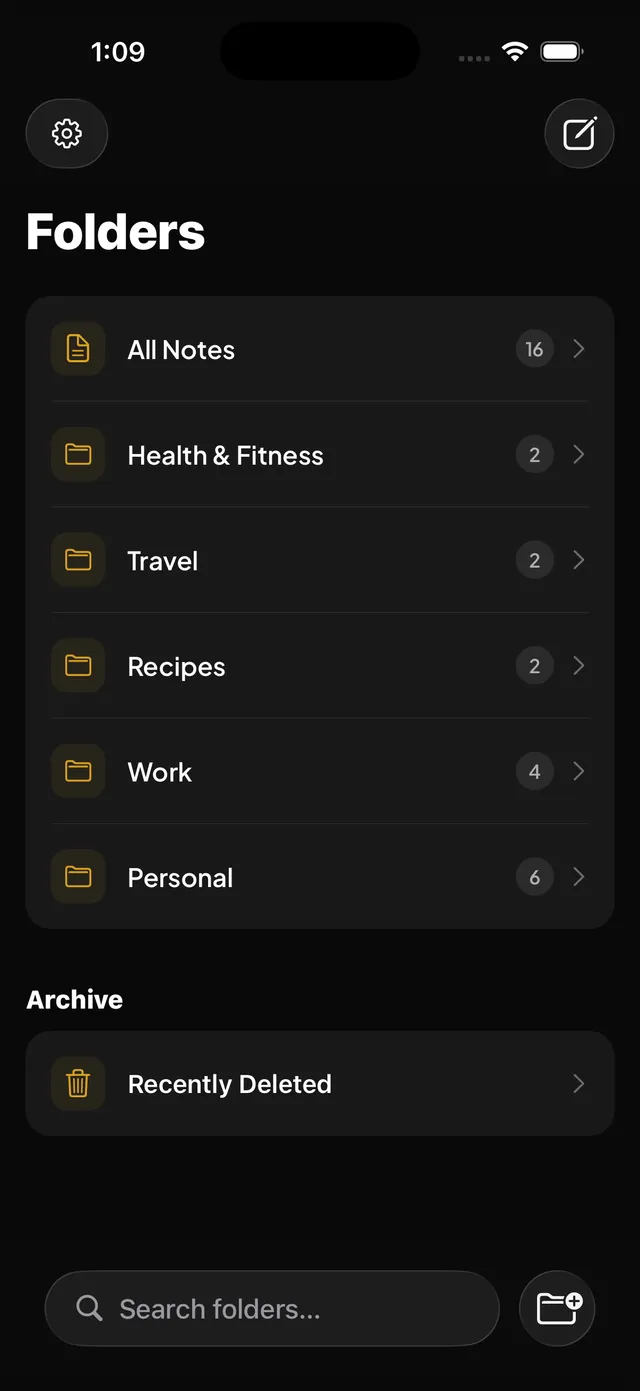
Pick an icon for any folder from the folder menu, so the ones you open most stand out at a glance.
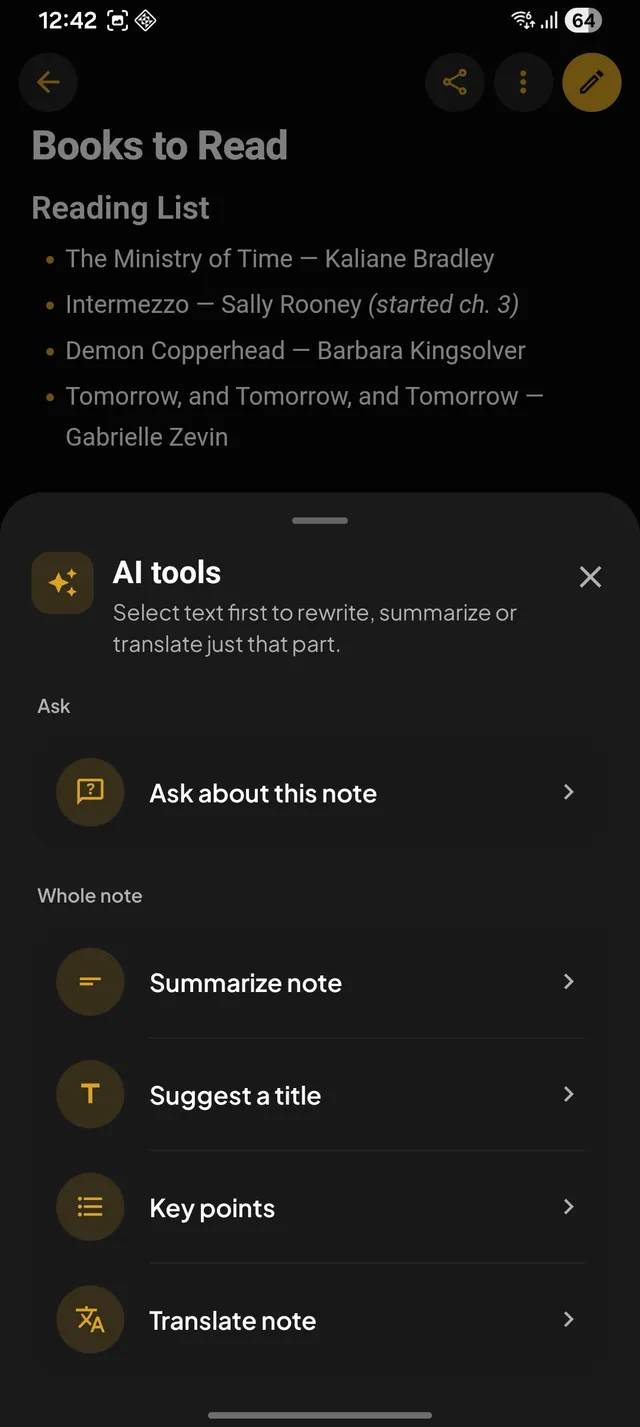
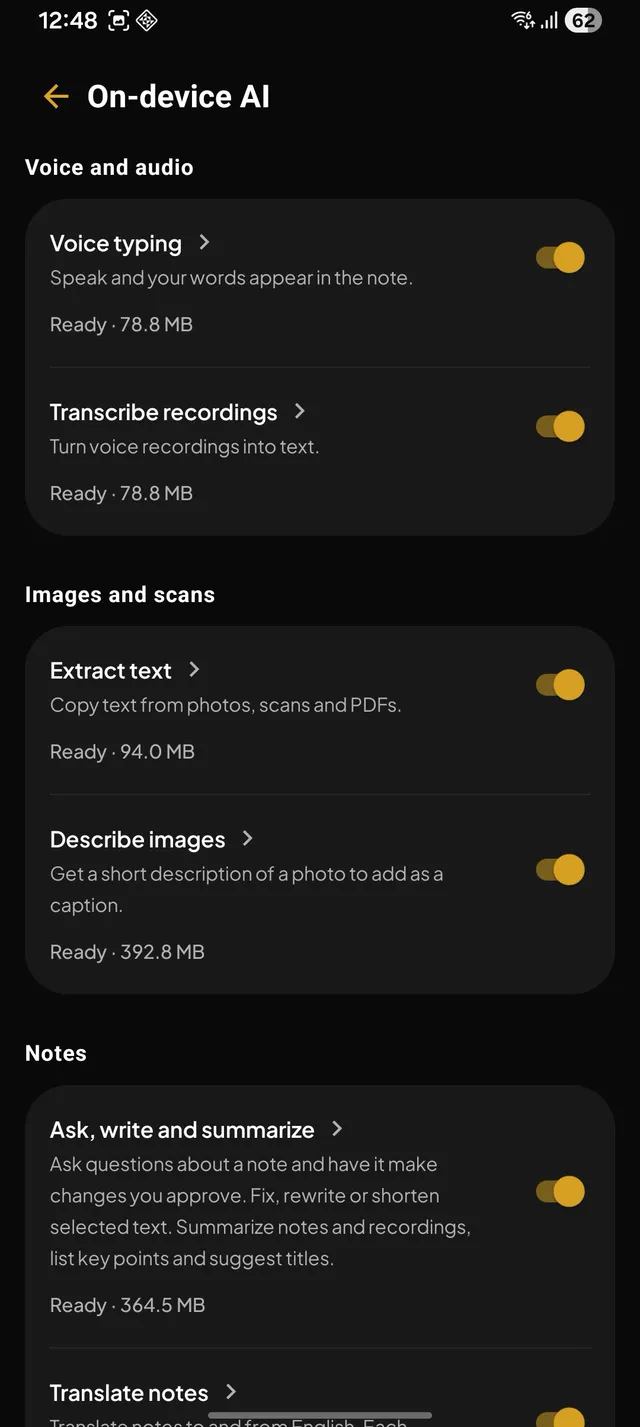
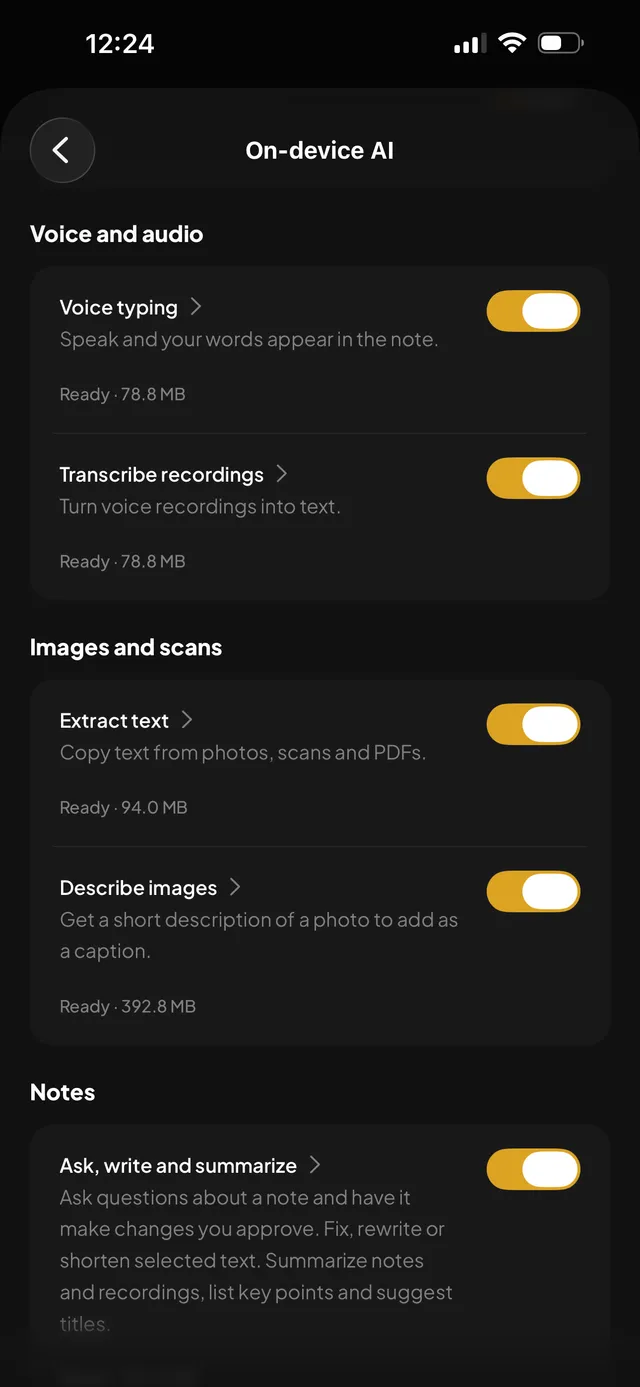
Six optional features, each running on an open model you download once. After that they work with no network at all — there is no AI provider in the picture, because there is nowhere to send anything.
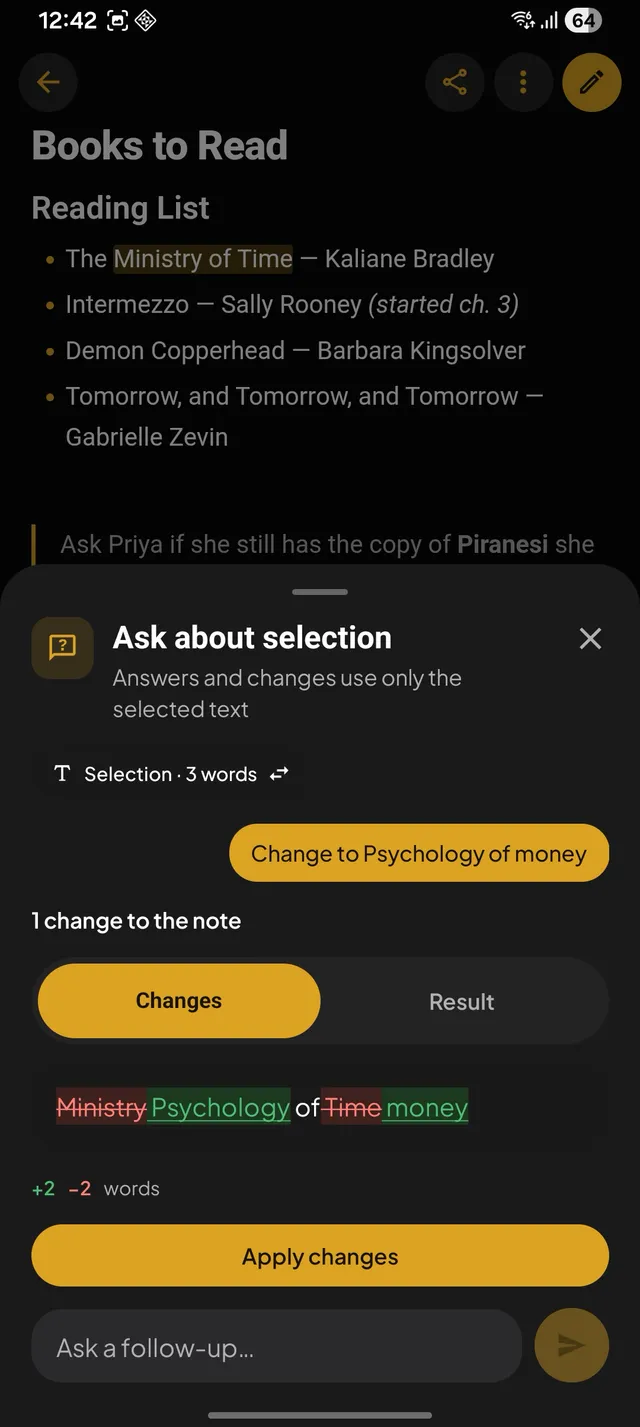
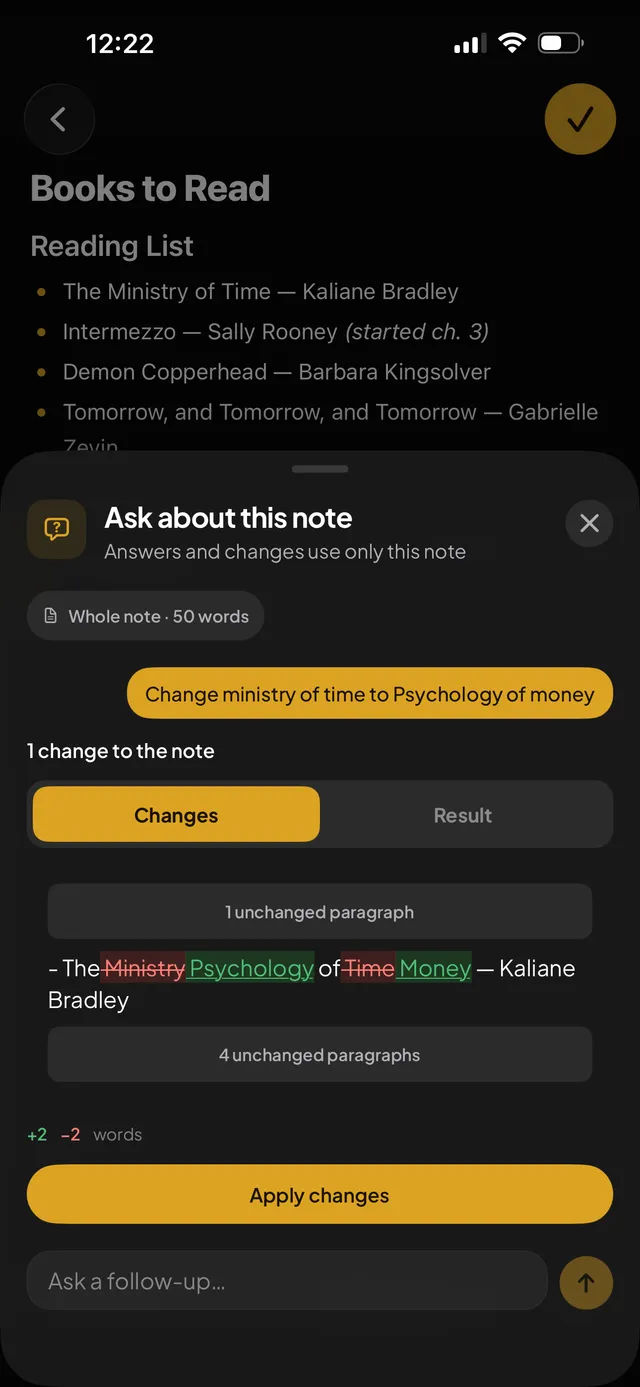
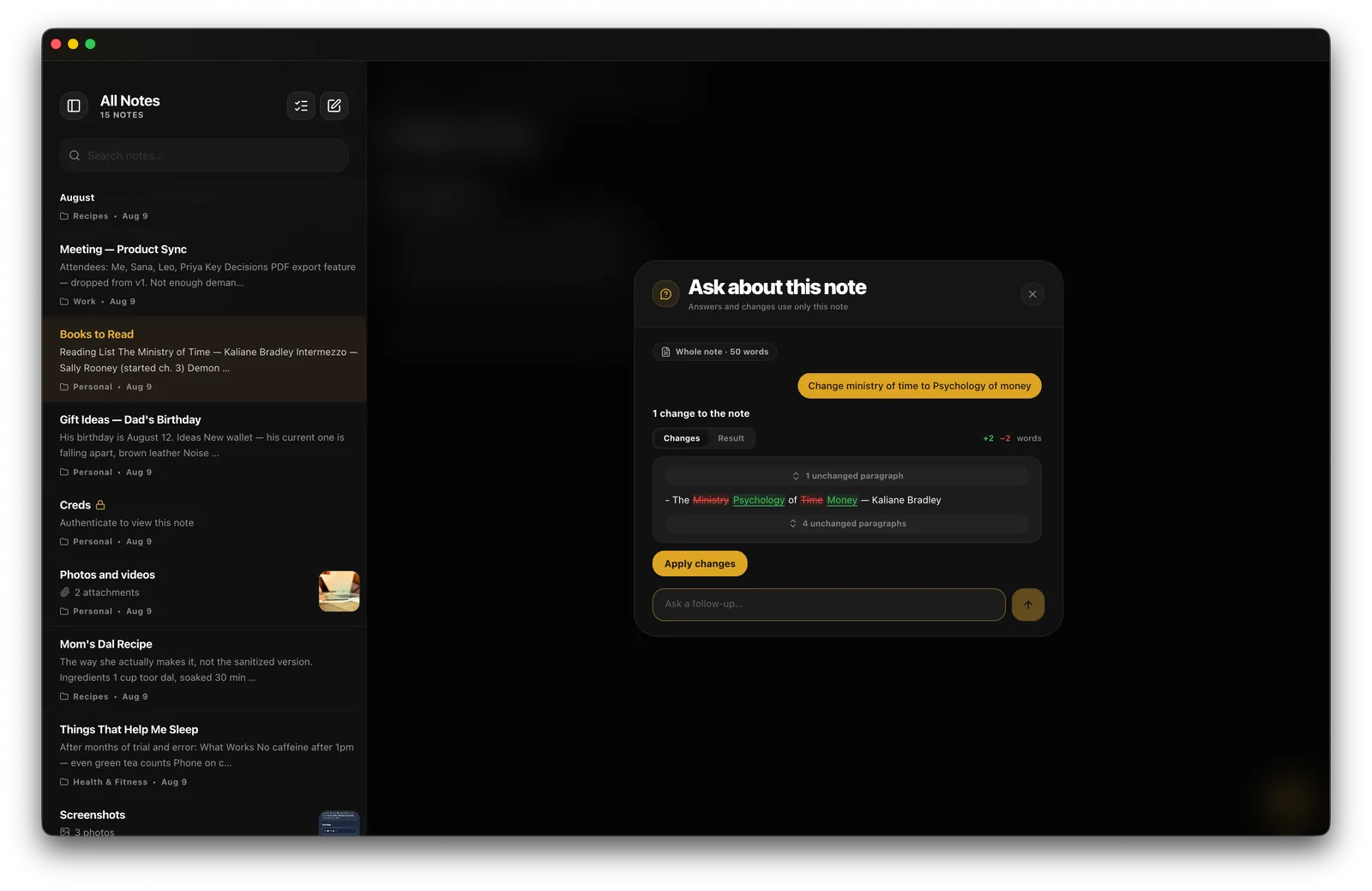
Ask a question and get an answer from that note alone. Ask for a change and you get the exact edits, listed, to apply or throw away. Nothing is rewritten behind your back — and nothing is sent anywhere.
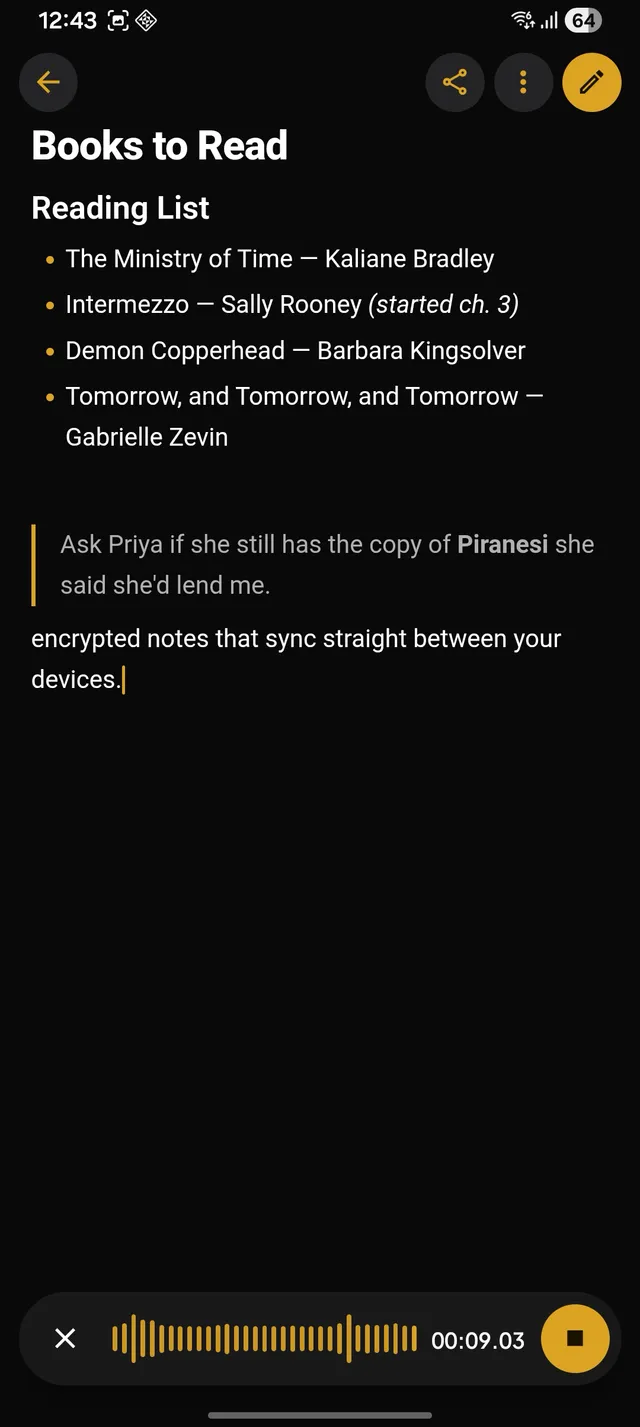
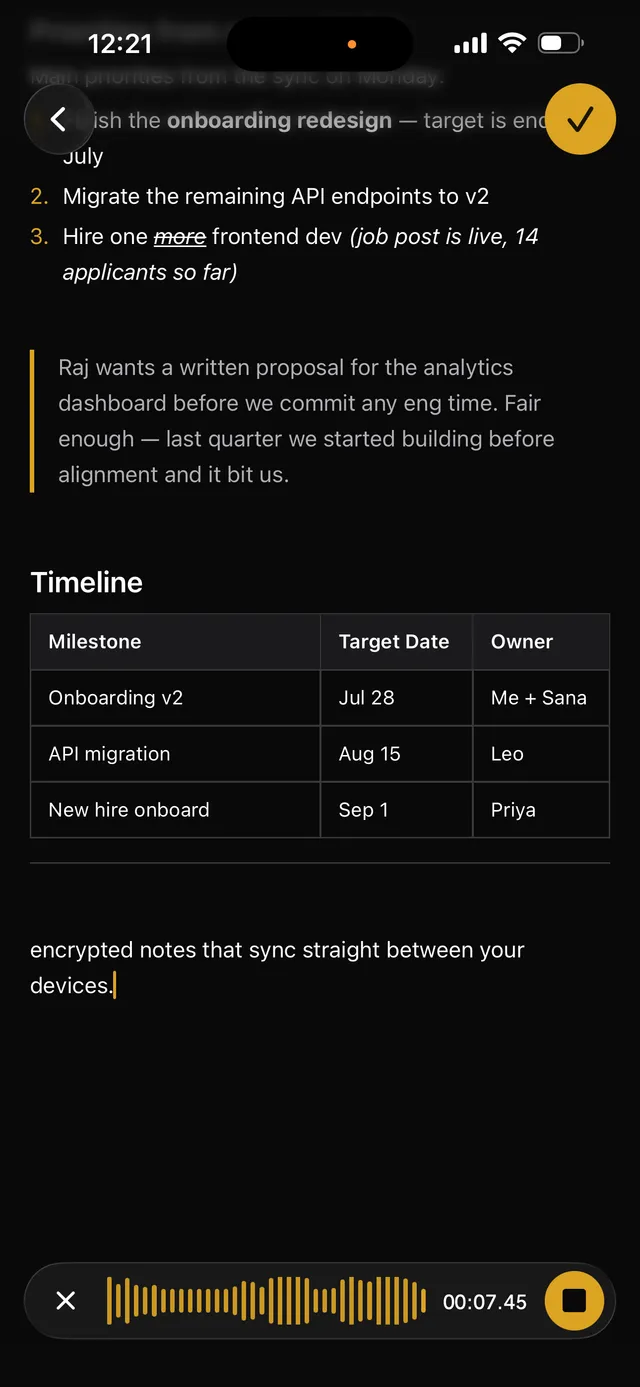
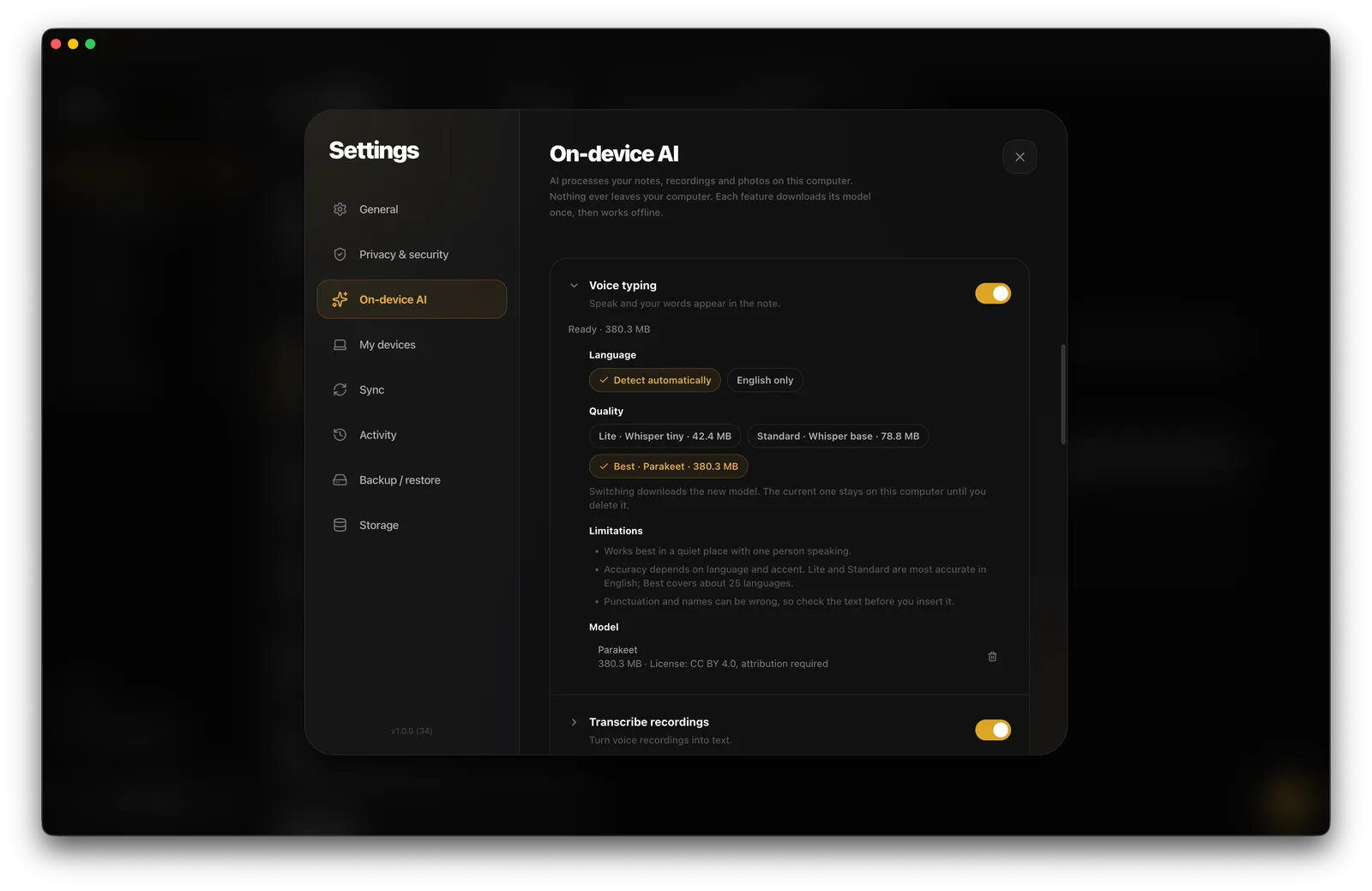
Speak and the words appear in the note as you talk. Your voice is turned into text on the device.
Turn any voice memo into text, transcribed on the device and inserted as a quote under the recording.
Read the text out of photos, scans, and PDFs in 27 Latin-script languages — up to 20 pages, none of them uploaded.
A short description of a photo, written on the device and added as a caption below the image.
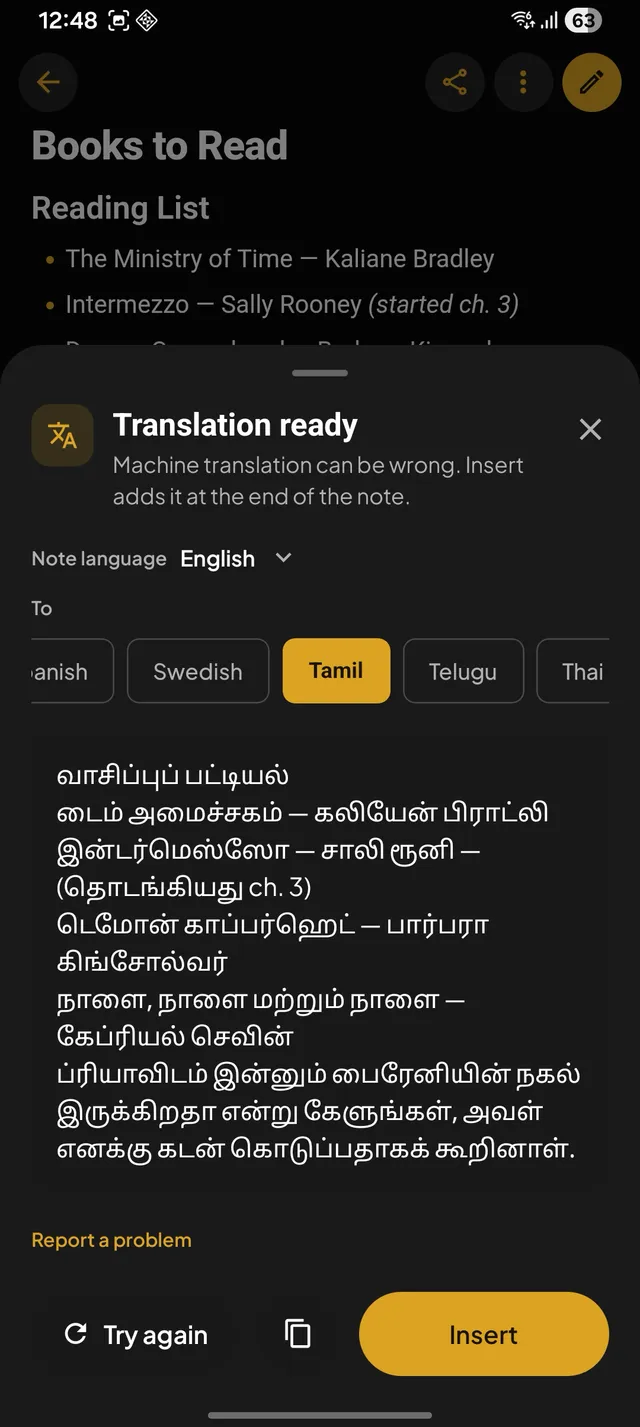
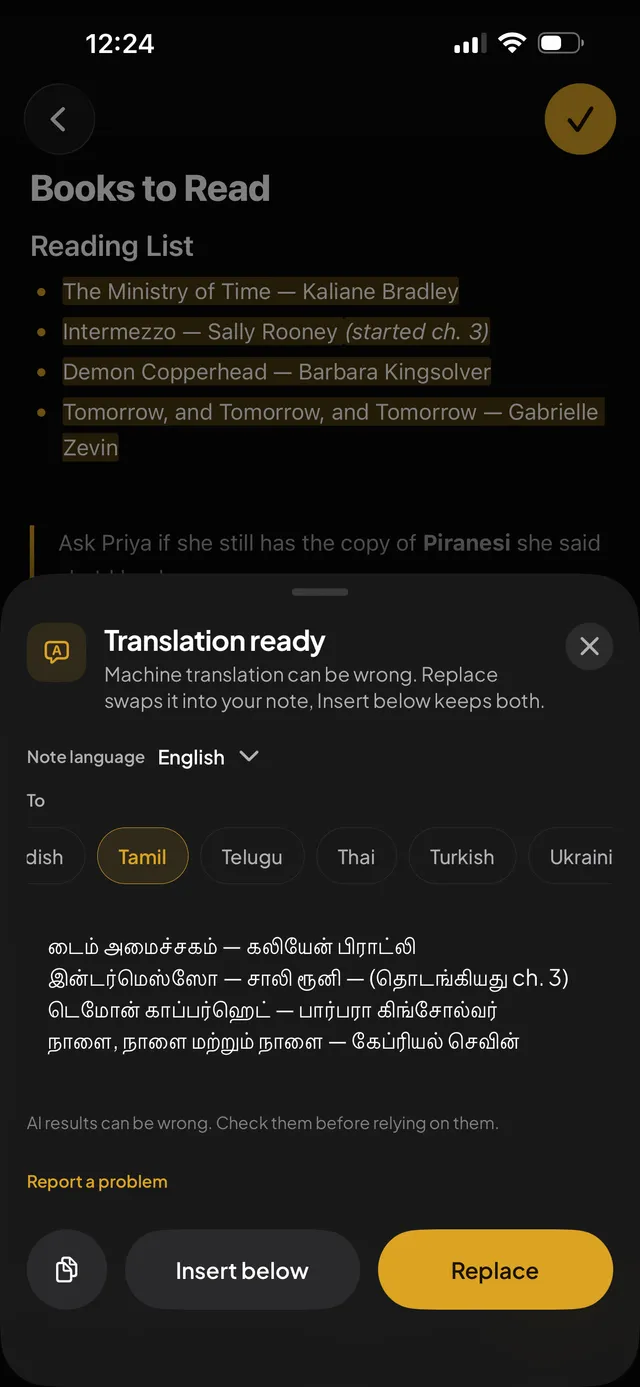
48 languages, to and from English. Each one is a 13–44 MB download, then it translates offline.
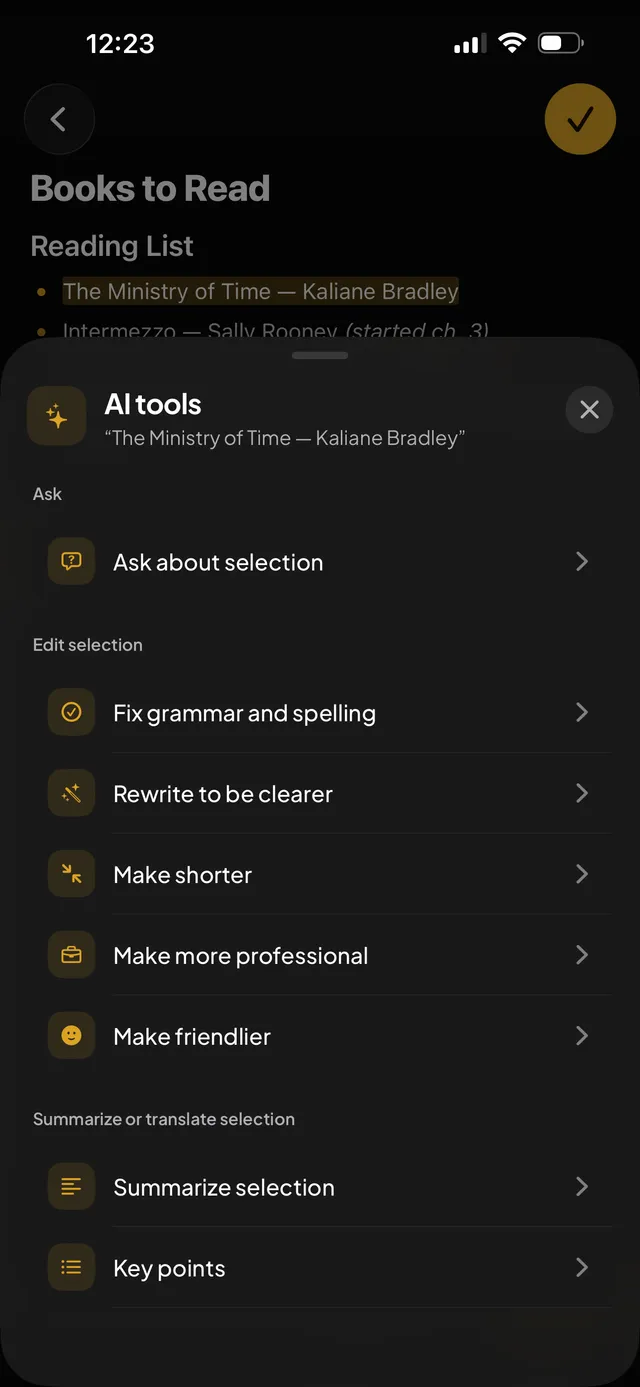
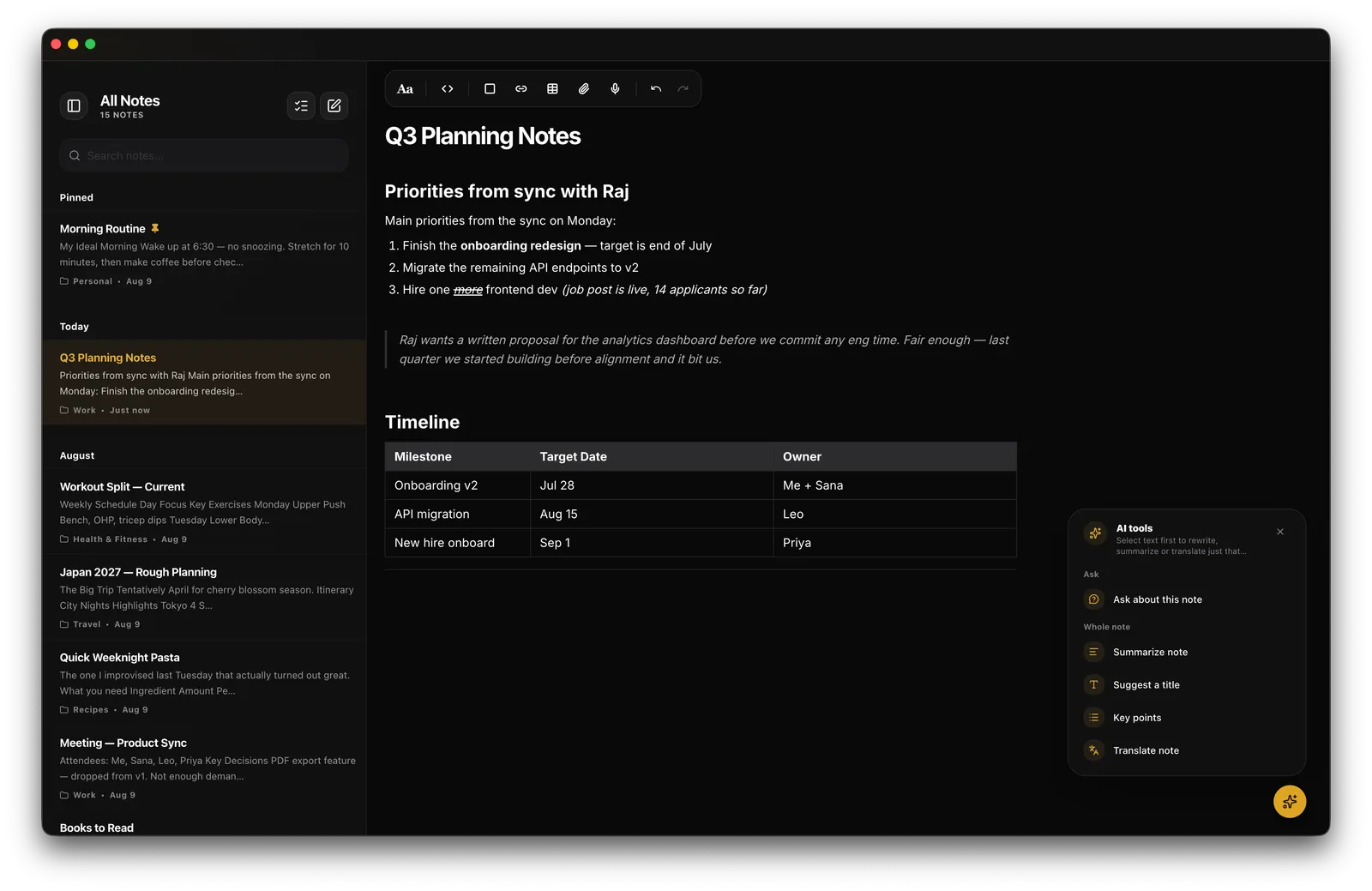
Summaries, key points, and suggested titles for a whole note. Fix grammar, or make a selection shorter, clearer, more professional, or friendlier — every pass runs on your own hardware.
Every feature is a separate switch, off by default. The setting is per device and never synced.
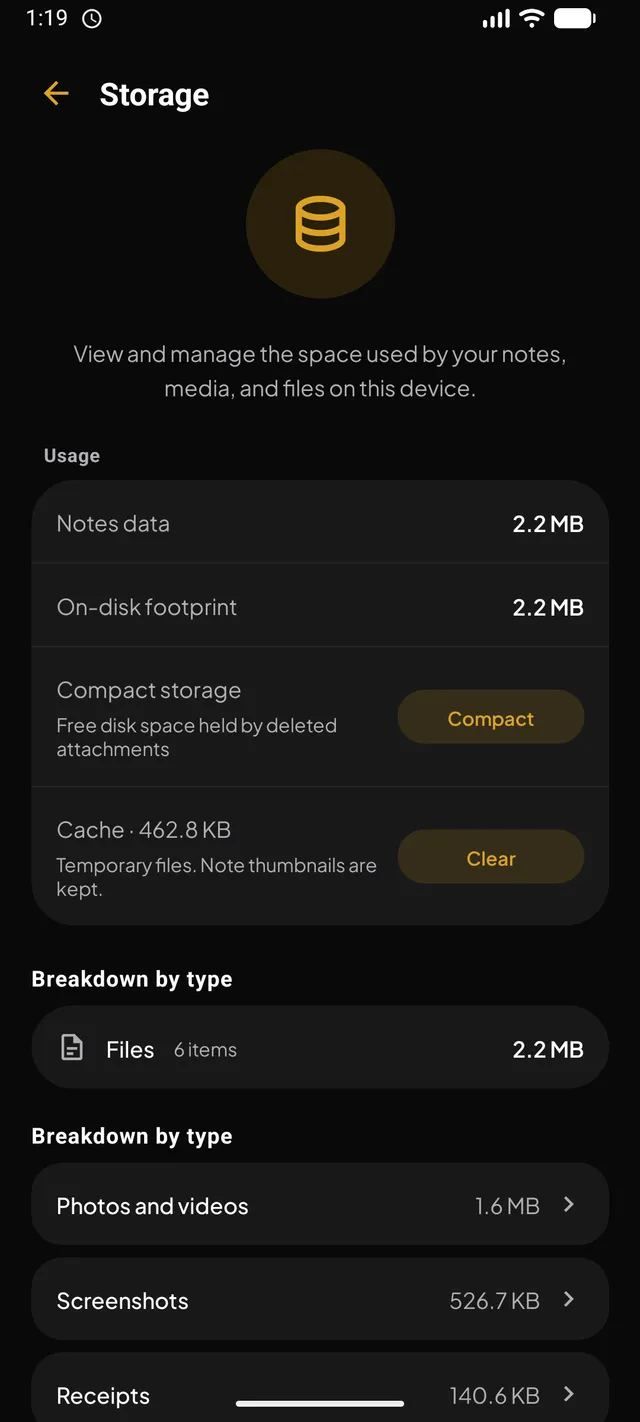
Models come over Wi-Fi once, then run with no network at all. Pause, resume, or delete them any time.
There is no API key, no account, and no request to send. Your notes never leave the device to be processed.
Every AI action disappears on a locked note. Nothing summarizes, translates, or reads it.
Models are open and named in the app, with their licences — Whisper (MIT), Qwen3 and VisionPsy (Apache 2.0), Bergamot (MPL 2.0). On-device AI needs a physical device running iOS 17, Android 12, or macOS 14 or later, and the models it downloads are left out of backups and sync.
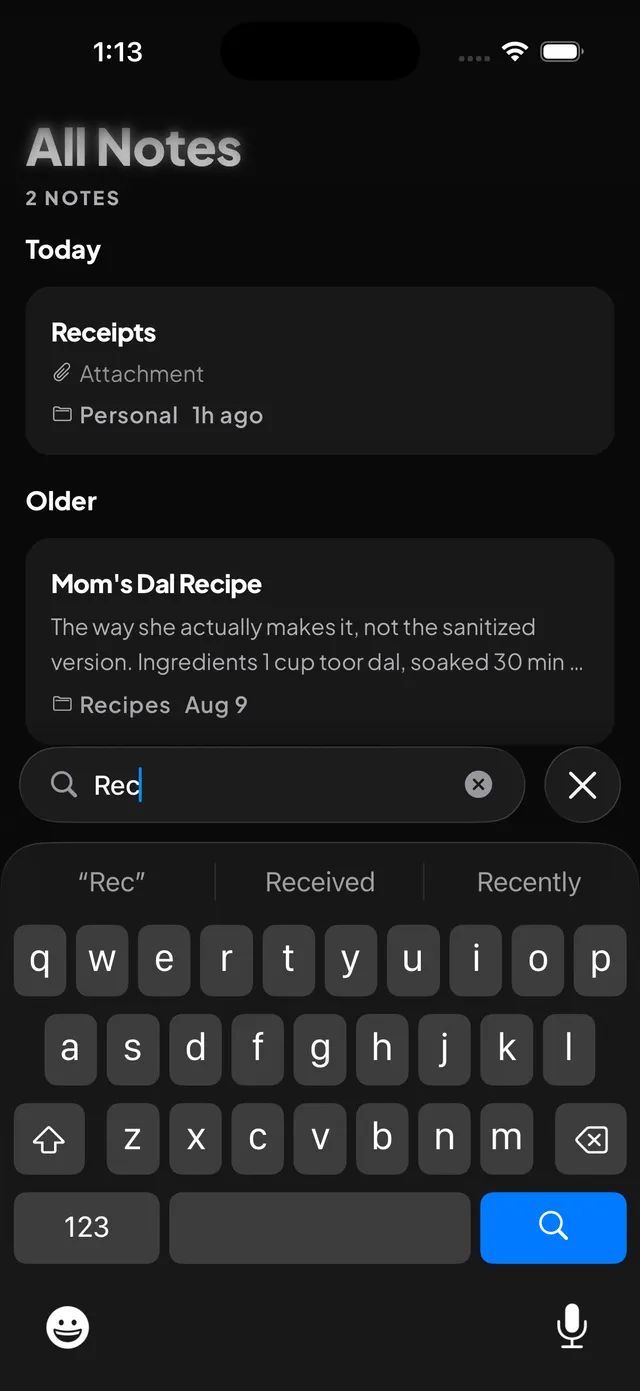
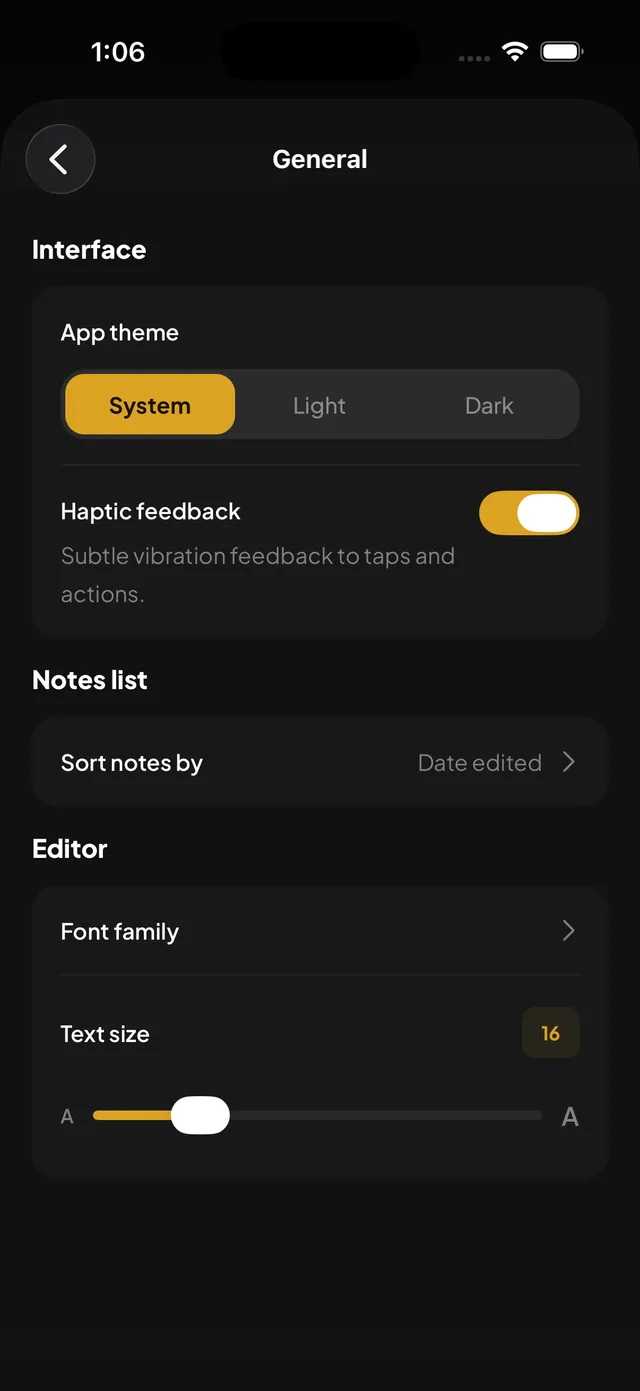
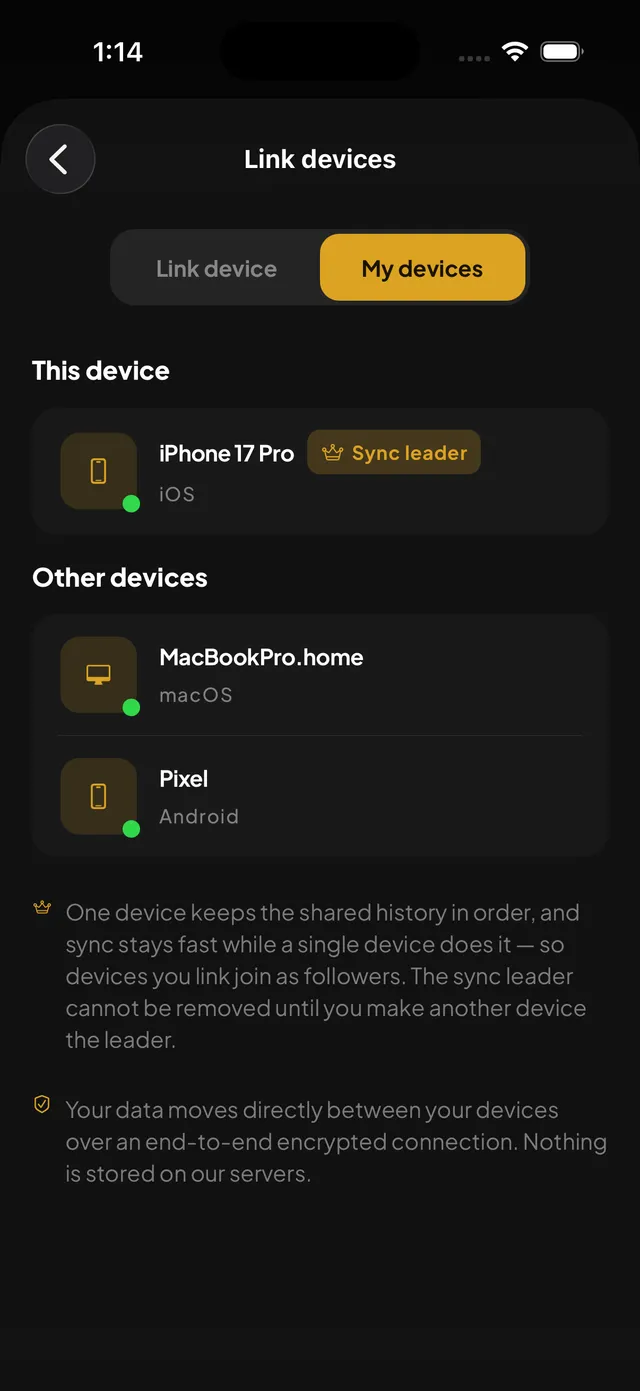
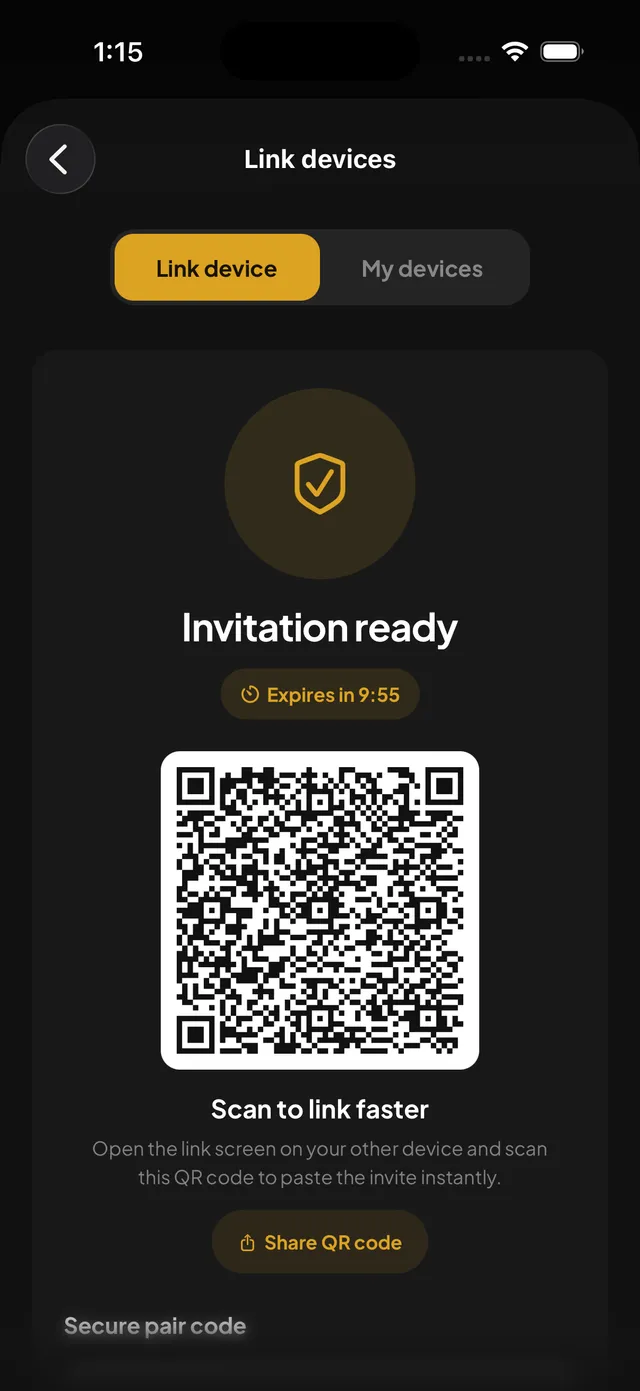
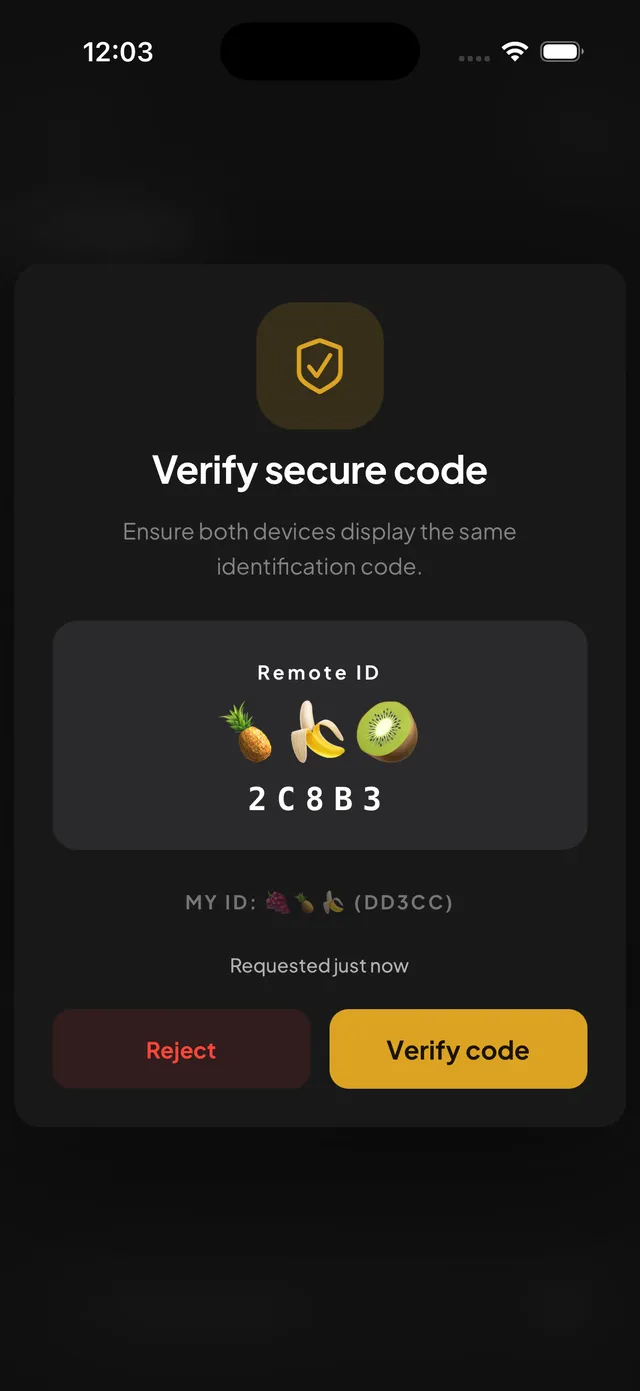
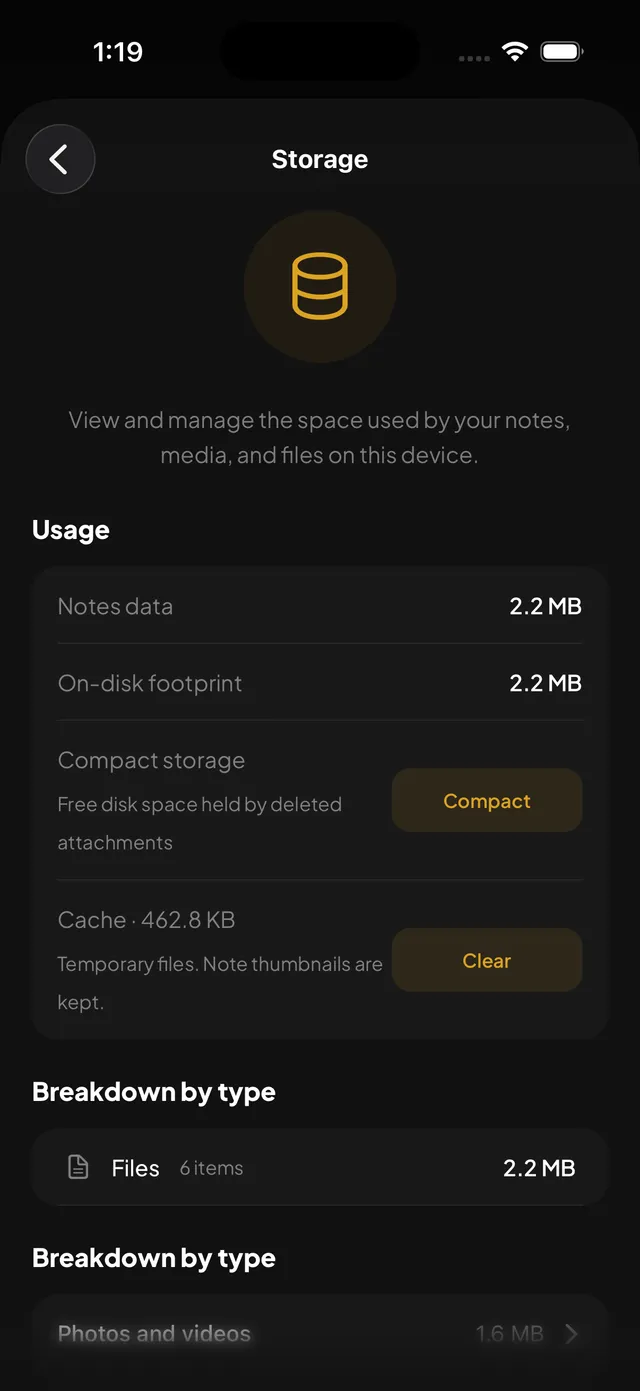
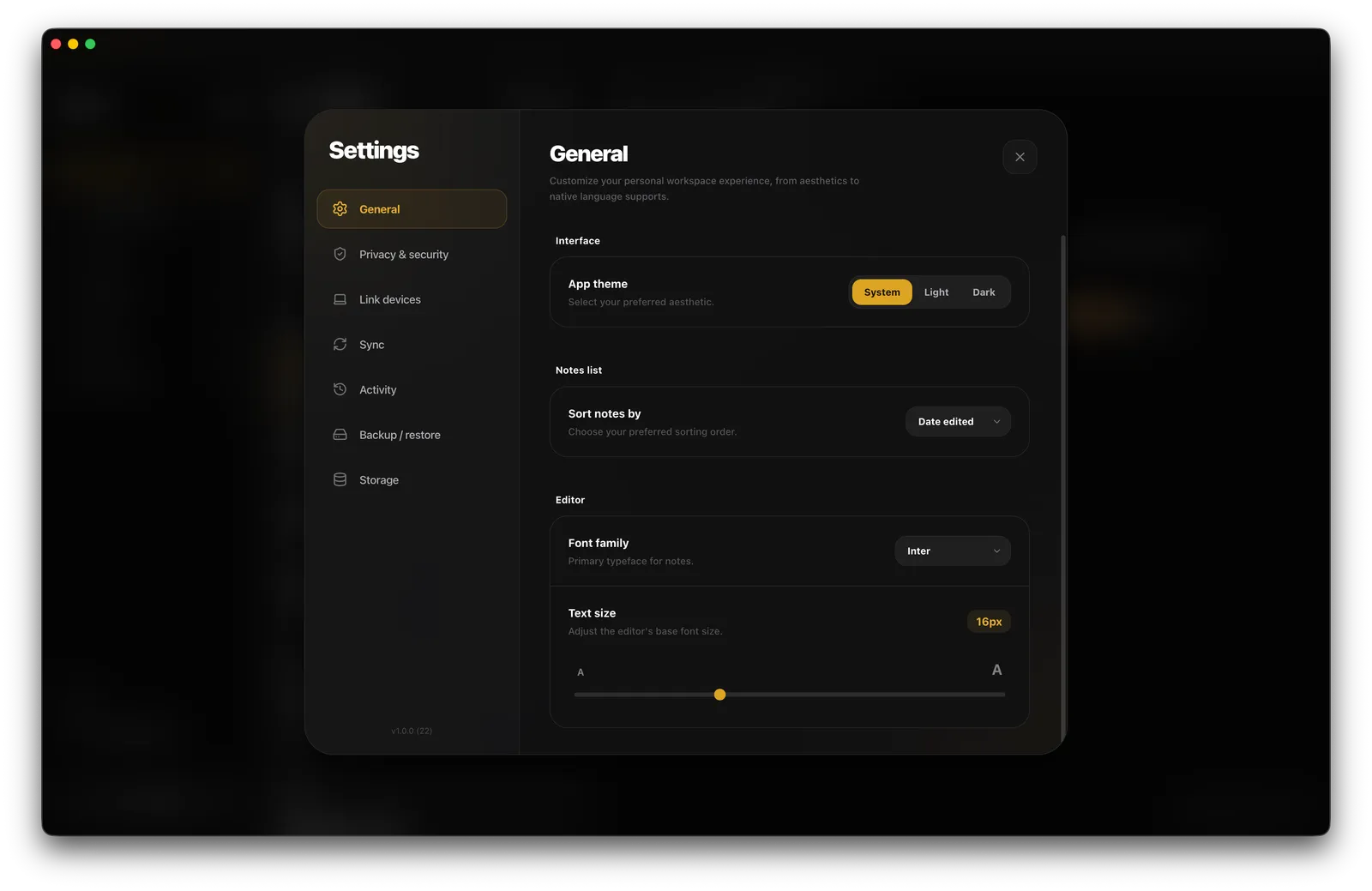
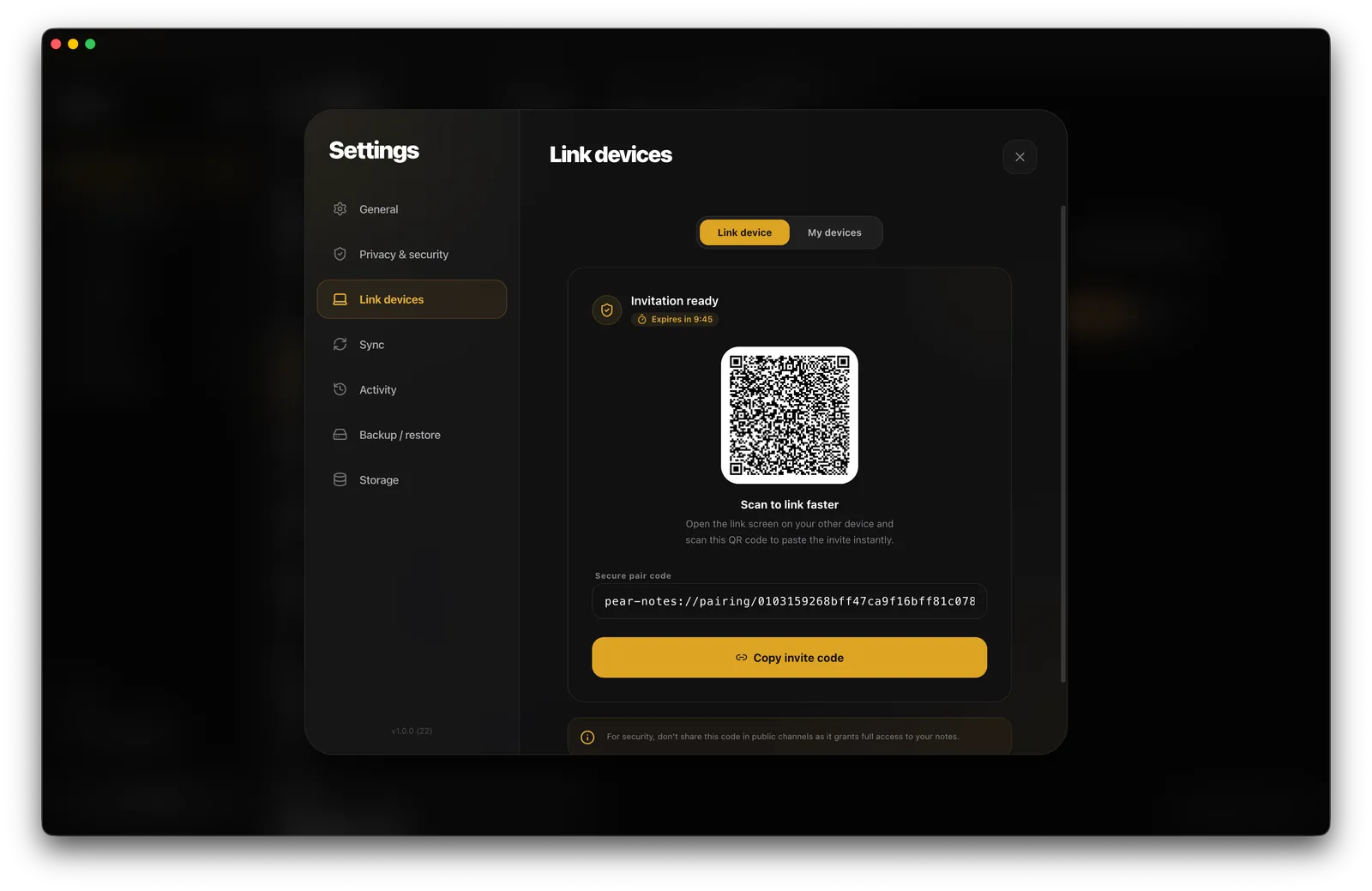
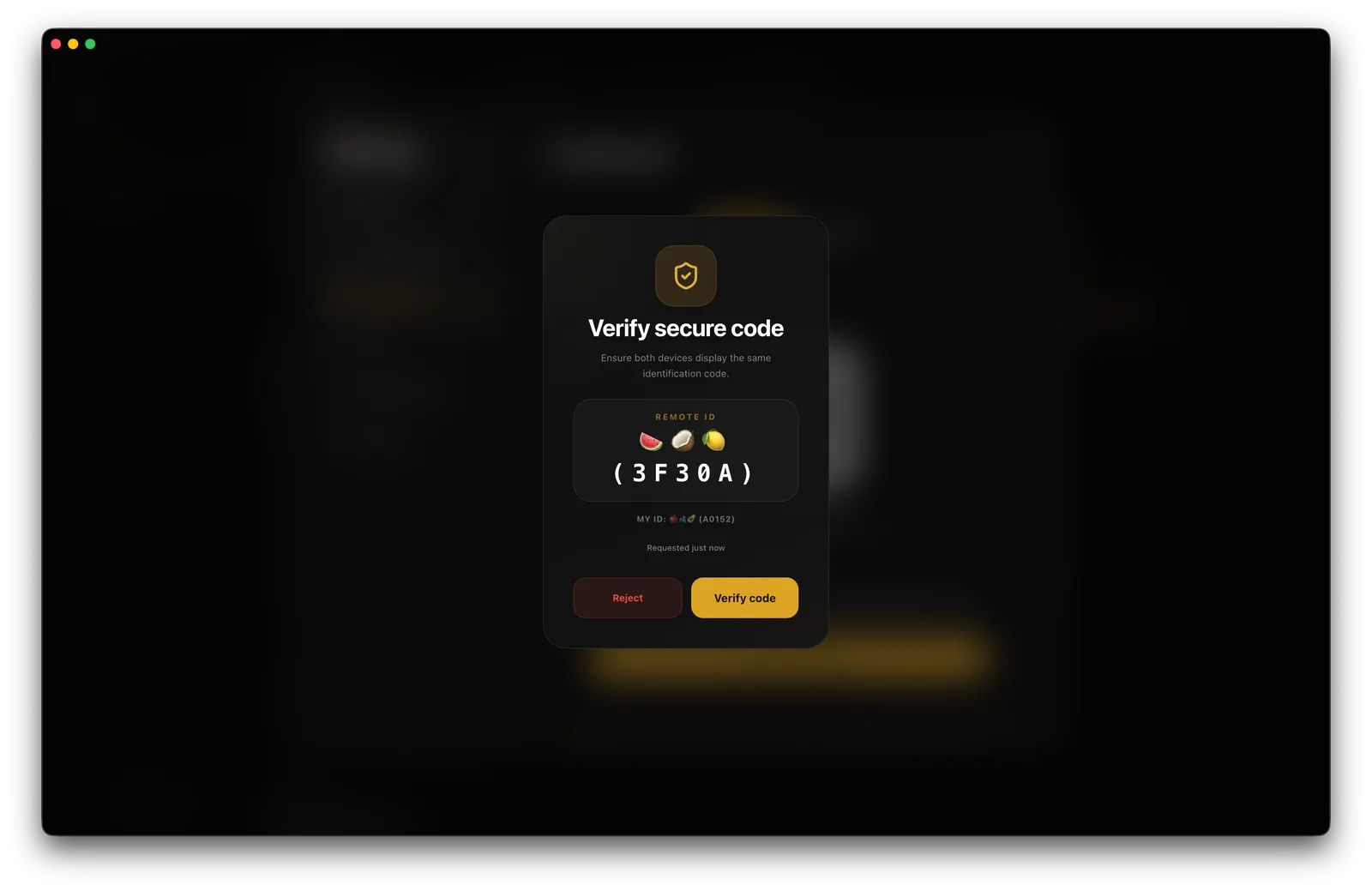
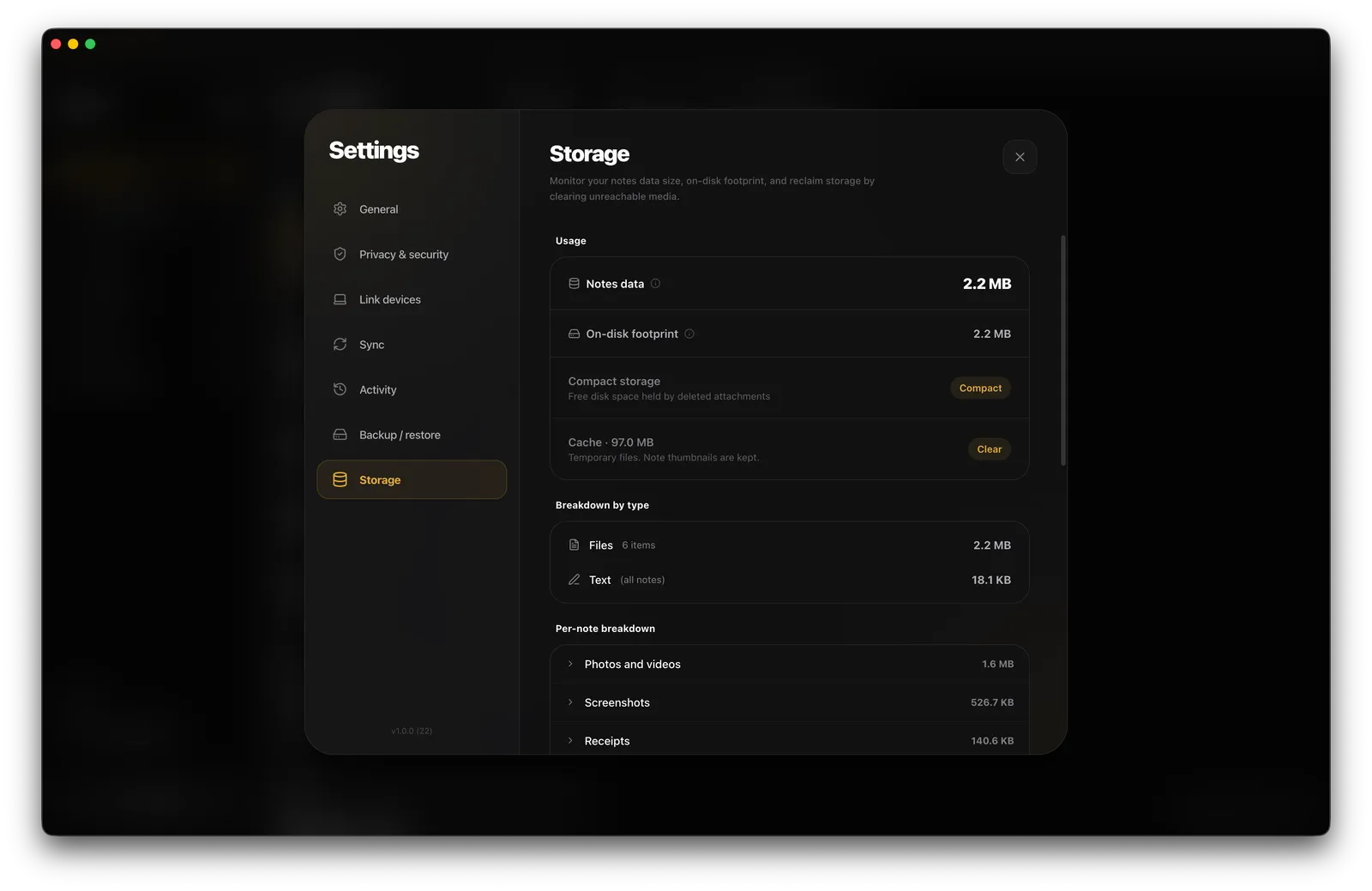
Every screen below is a live screenshot from the shipped build.
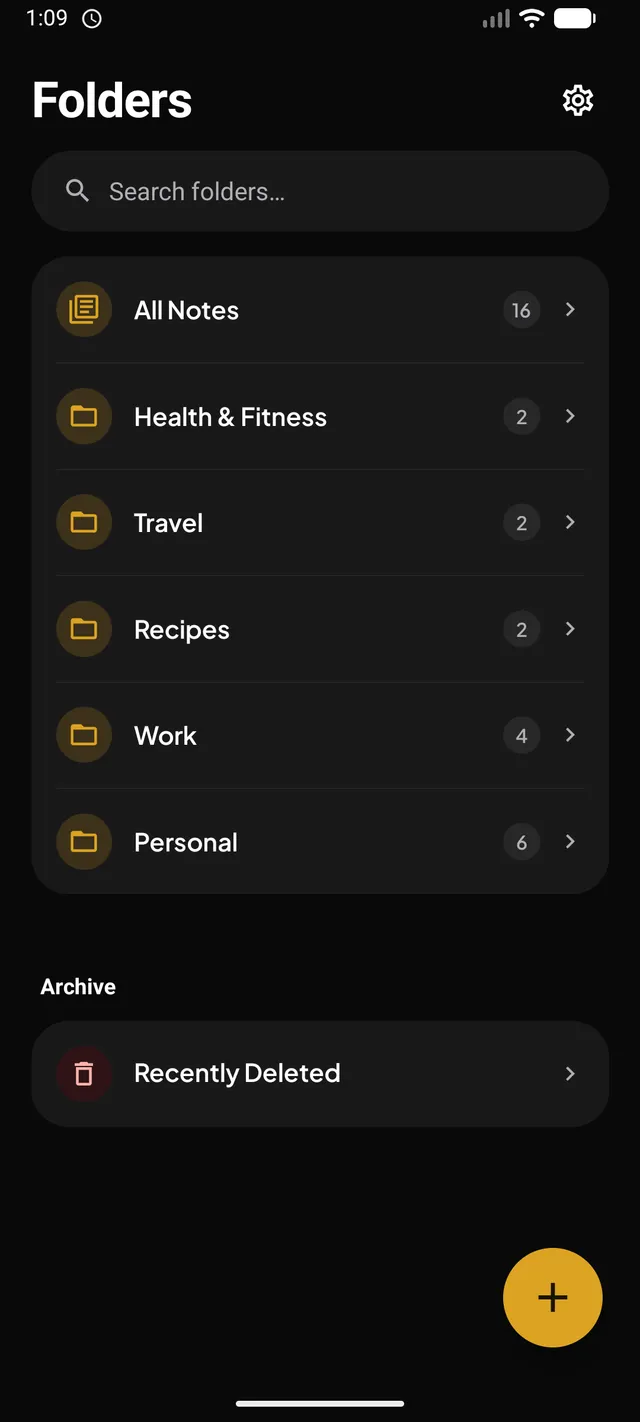
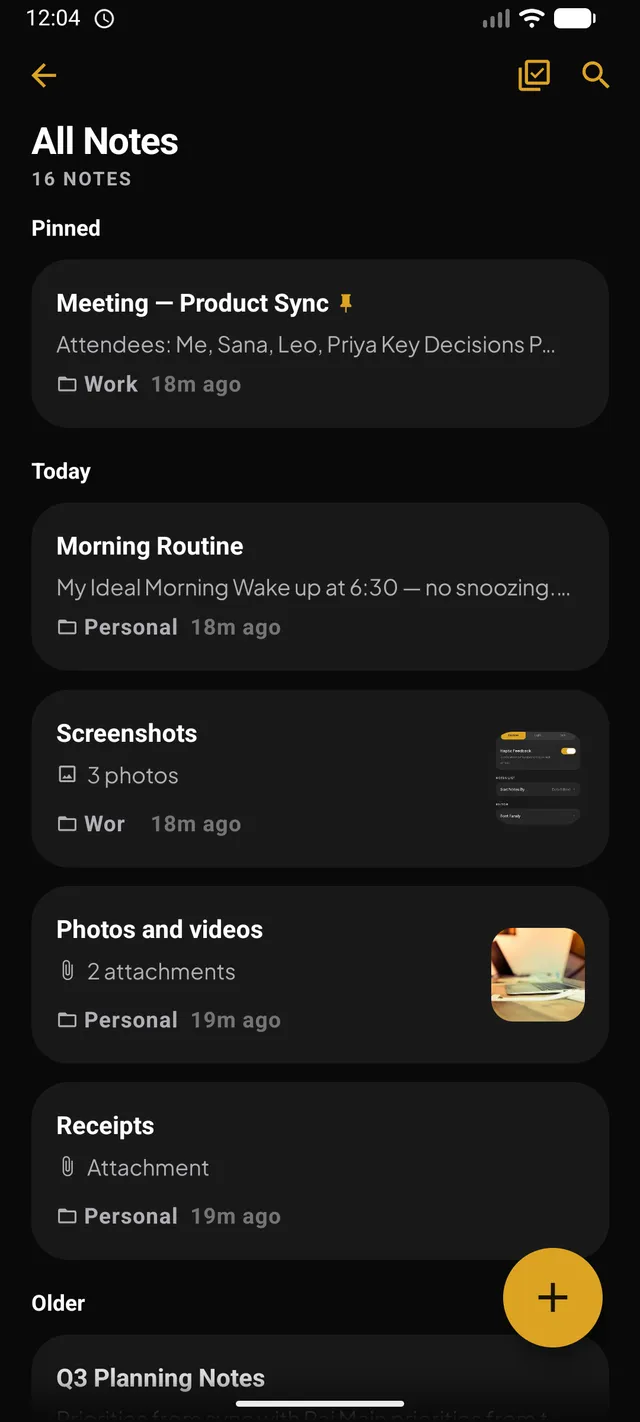
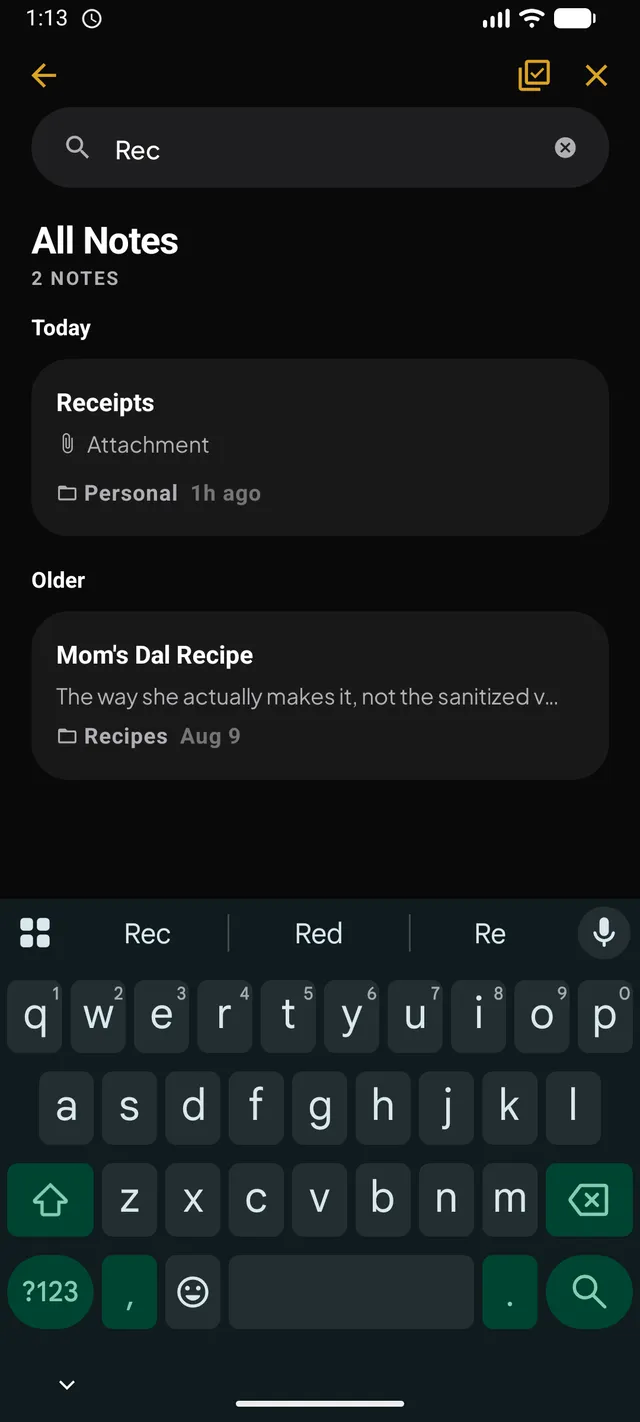
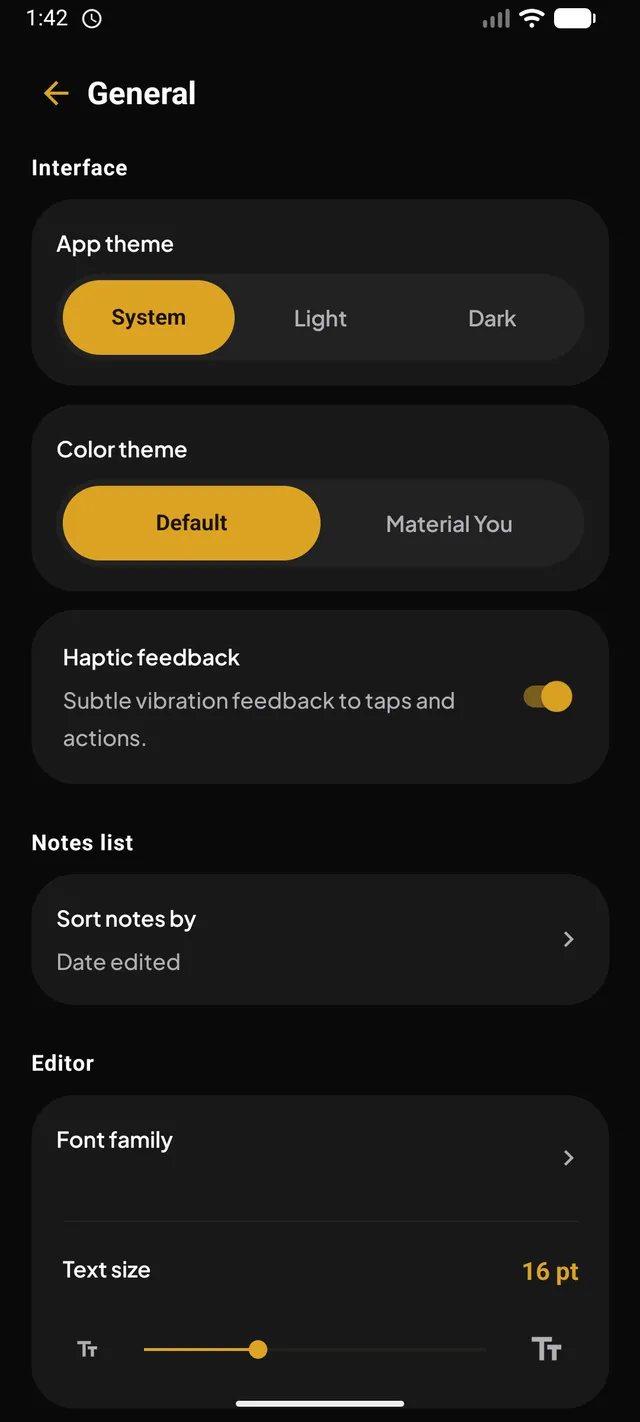
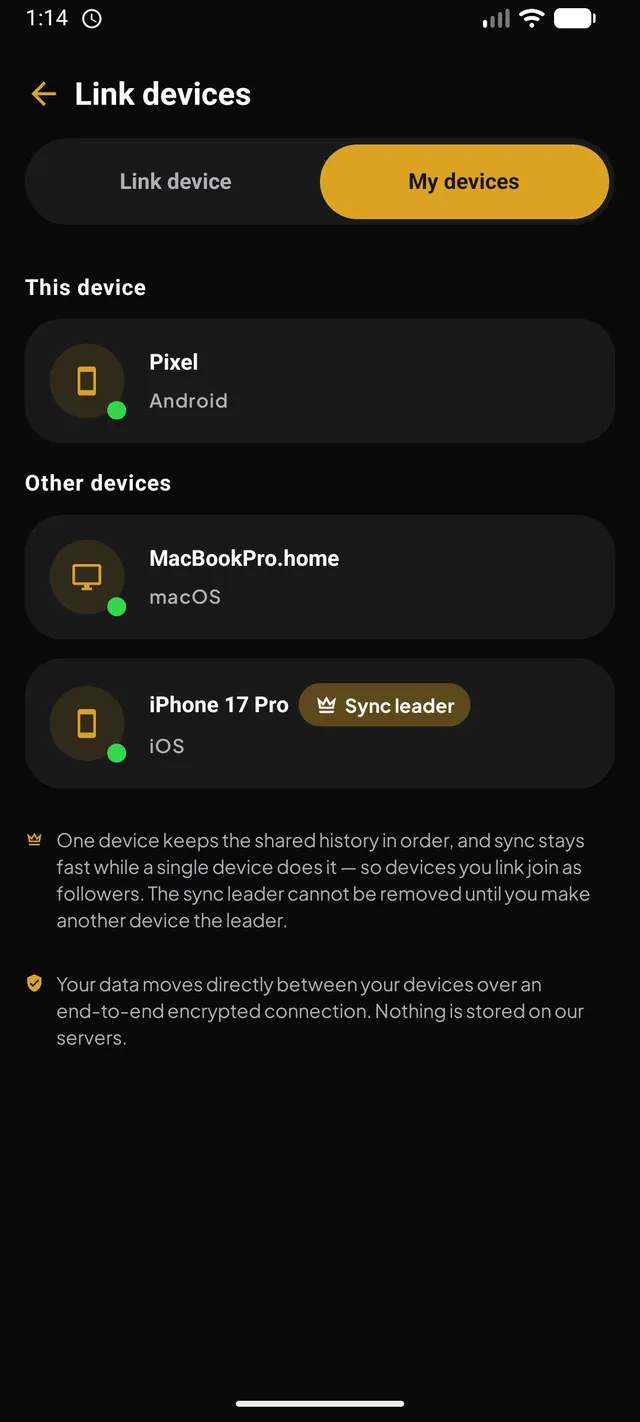
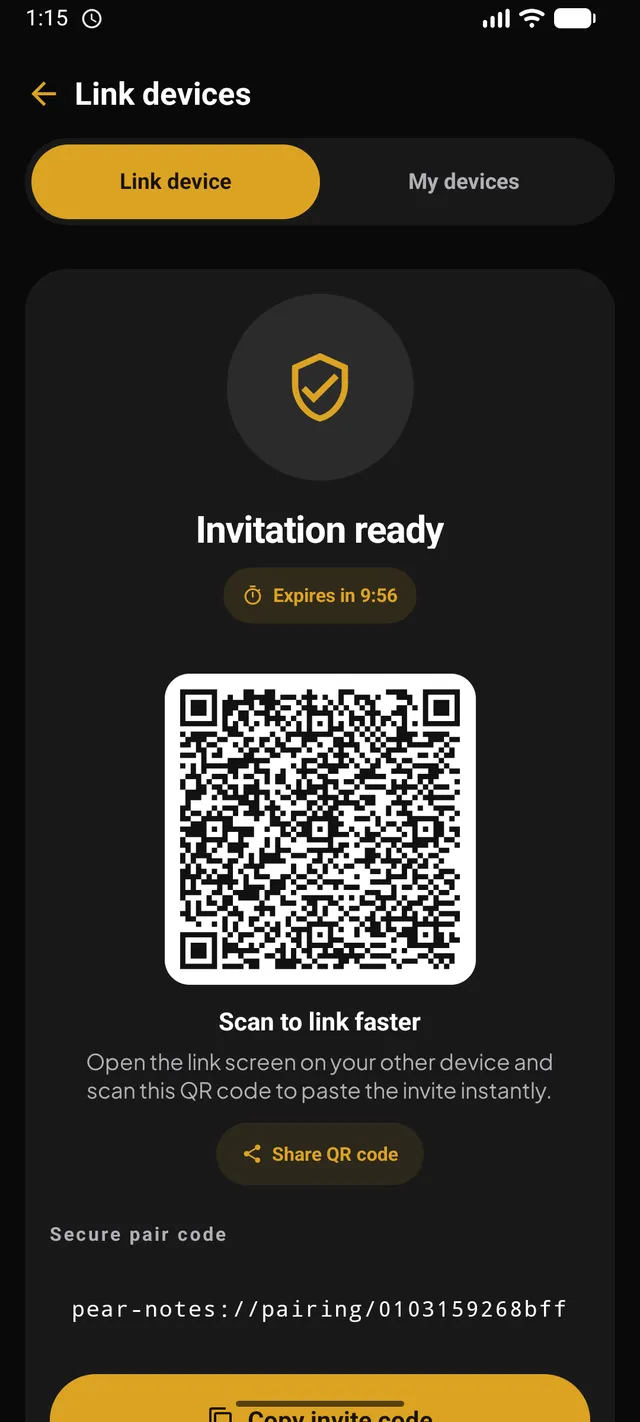
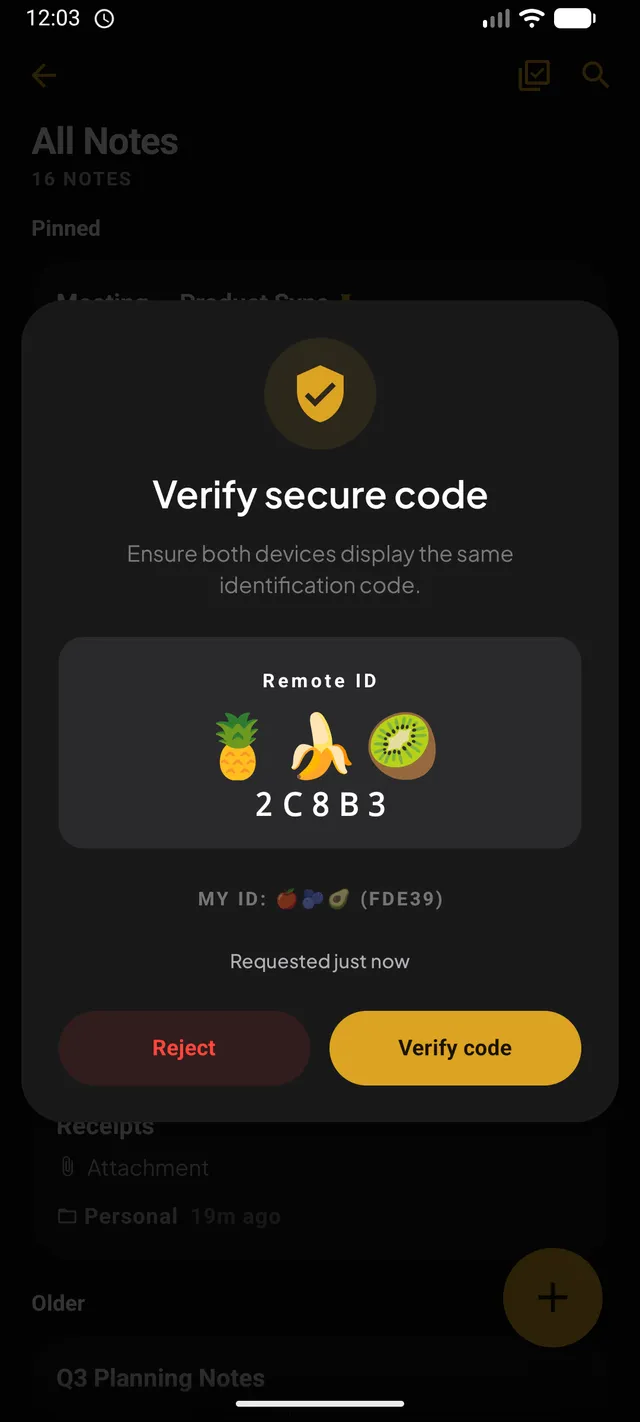
Zero-knowledge architecture means even we can't read your notes. Because we never see them.
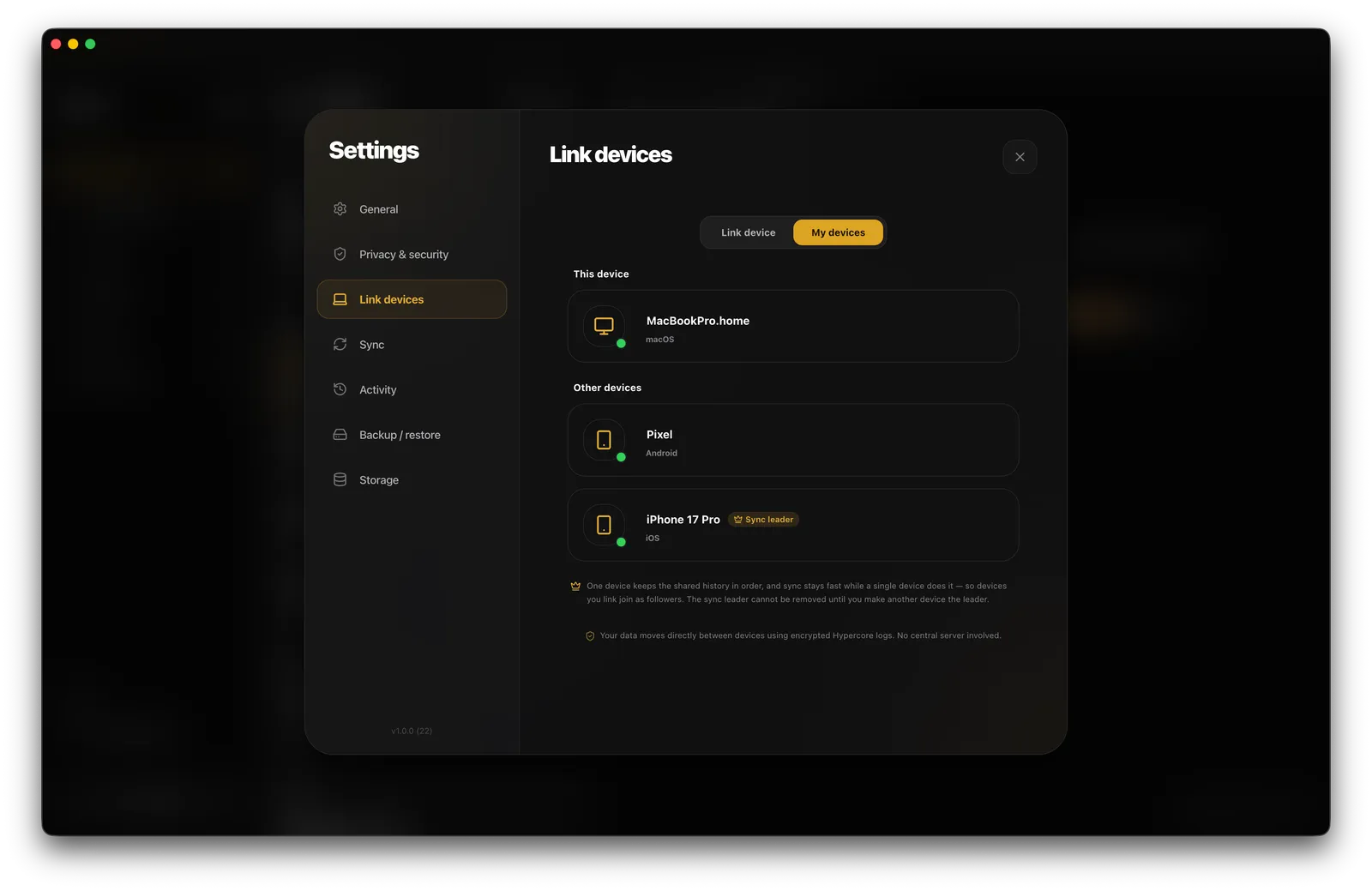
Hyperswarm discovery, direct connections, and encrypted Hypercore append-only logs — there's no server in the middle to compromise.
Blind pairing handshake via QR invites, with fingerprint verification against man-in-the-middle attacks.
An isolated streaming server renders attachments without leaking unencrypted caches.
Failed attempts trigger exponential backoff, so brute force gets slower, not luckier.
Screenshots blocked and content hidden in the task switcher while a note is open.
Every note is encrypted locally before it ever leaves the device. Only your paired devices hold the keys.
Hyperswarm's DHT locates your paired devices, then opens a direct, Noise-encrypted connection between them.
Hypercore append-only logs replicate over that connection. Nothing is stored or relayed by anyone in between.
Want the full picture? Read the Pear docs or the P2P from Scratch series.
No. Every AI feature runs on the device with a model you download once, so there is no API key, no account, and no request to send. Each feature is off until you turn it on, the setting stays on that device, and AI actions are hidden entirely on locked notes.
Your devices find each other through the Hyperswarm distributed network and open a direct, end-to-end encrypted connection — no middleman ever stores or relays your notes. Changes replicate immediately when two devices are online together; otherwise every edit waits safely on the device where you made it.
If you have another paired device, pair a new device to it and you're back. Otherwise, restore from an encrypted .pnbk backup with your backup password. Without either, the data is gone: there's no server copy to recover from, by design.
There is no reset. The backup's encryption key is derived from your password, and we never see either. Treat your backup password like the keys to a safe.
Really. No accounts, no analytics, no crash reporters, no ads, no tracking pixels. The app has no servers of ours to talk to, so there’s nowhere for your data to go.
Pear Notes is available on Android, Windows, macOS, and Linux. Your notes stay yours — encrypted on-device, synced peer-to-peer, and never uploaded — not even for AI.
Get it on Google Play